

PiggyDex
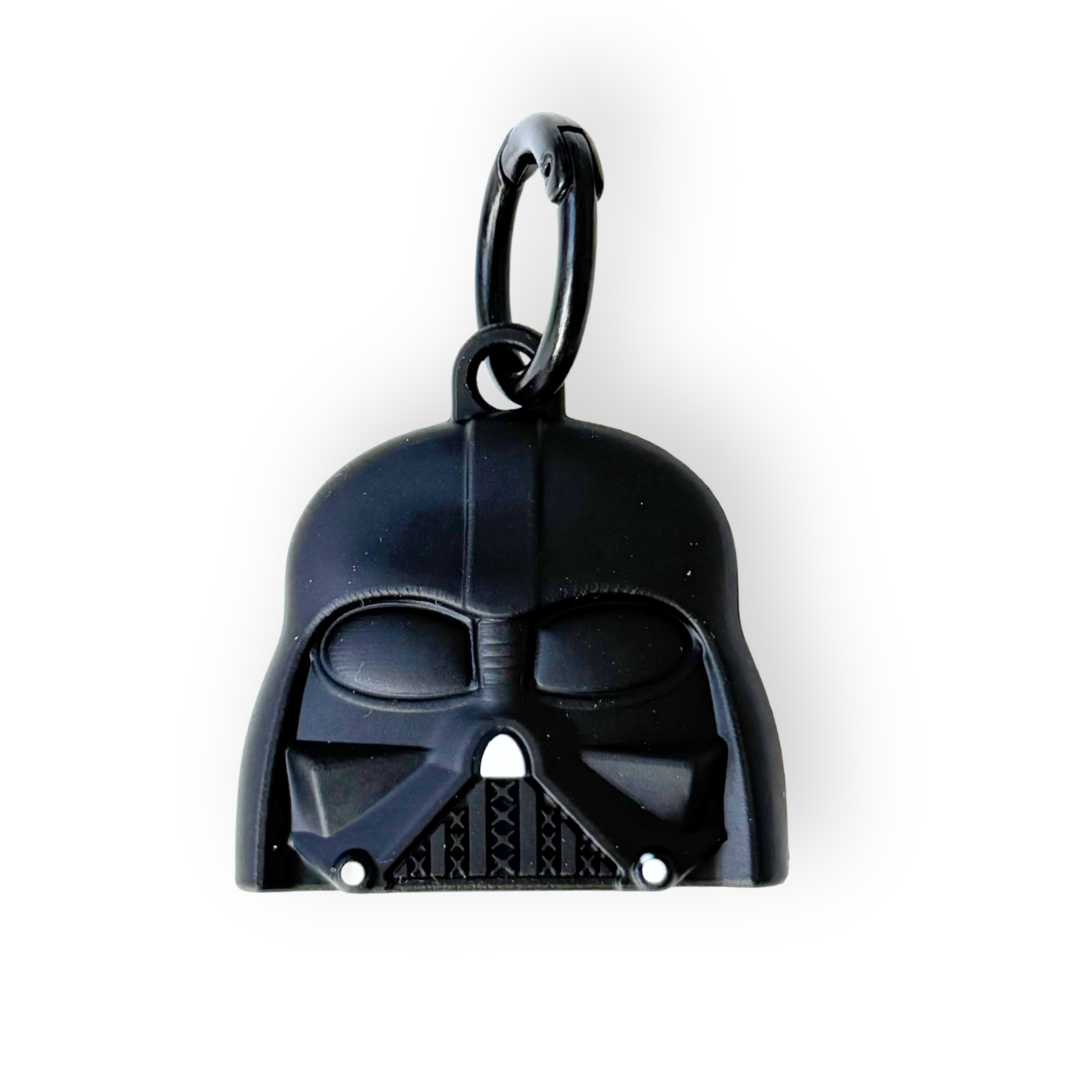
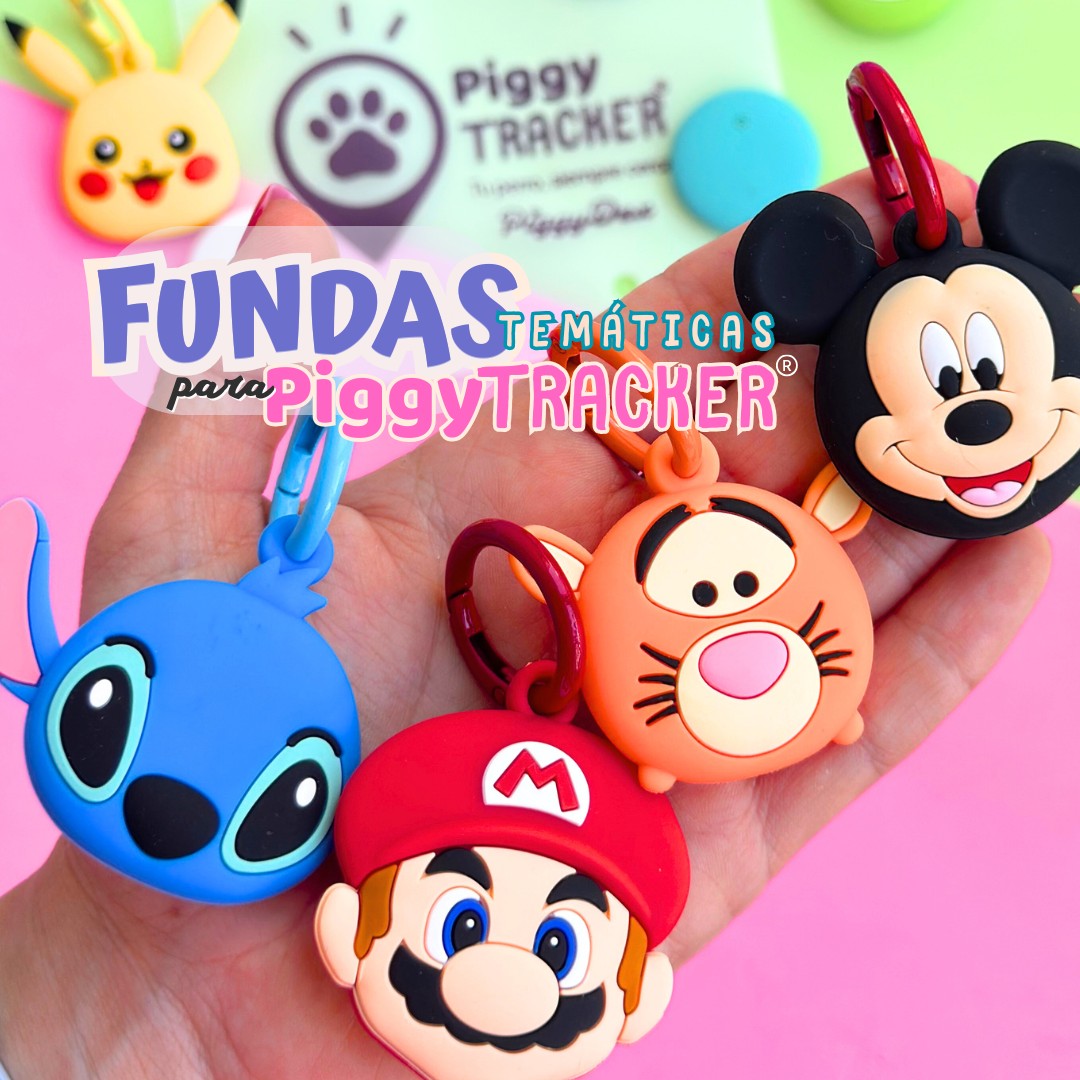
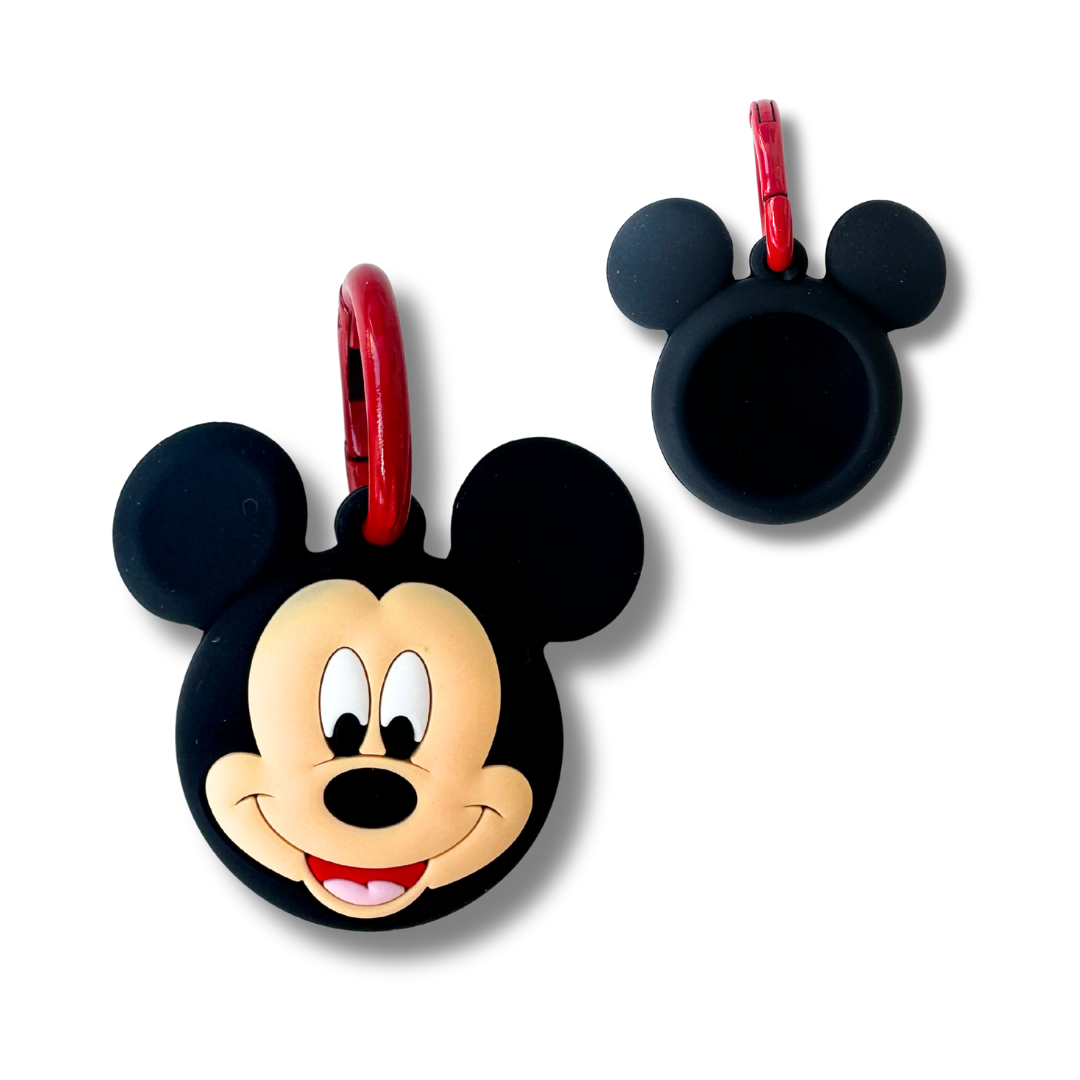
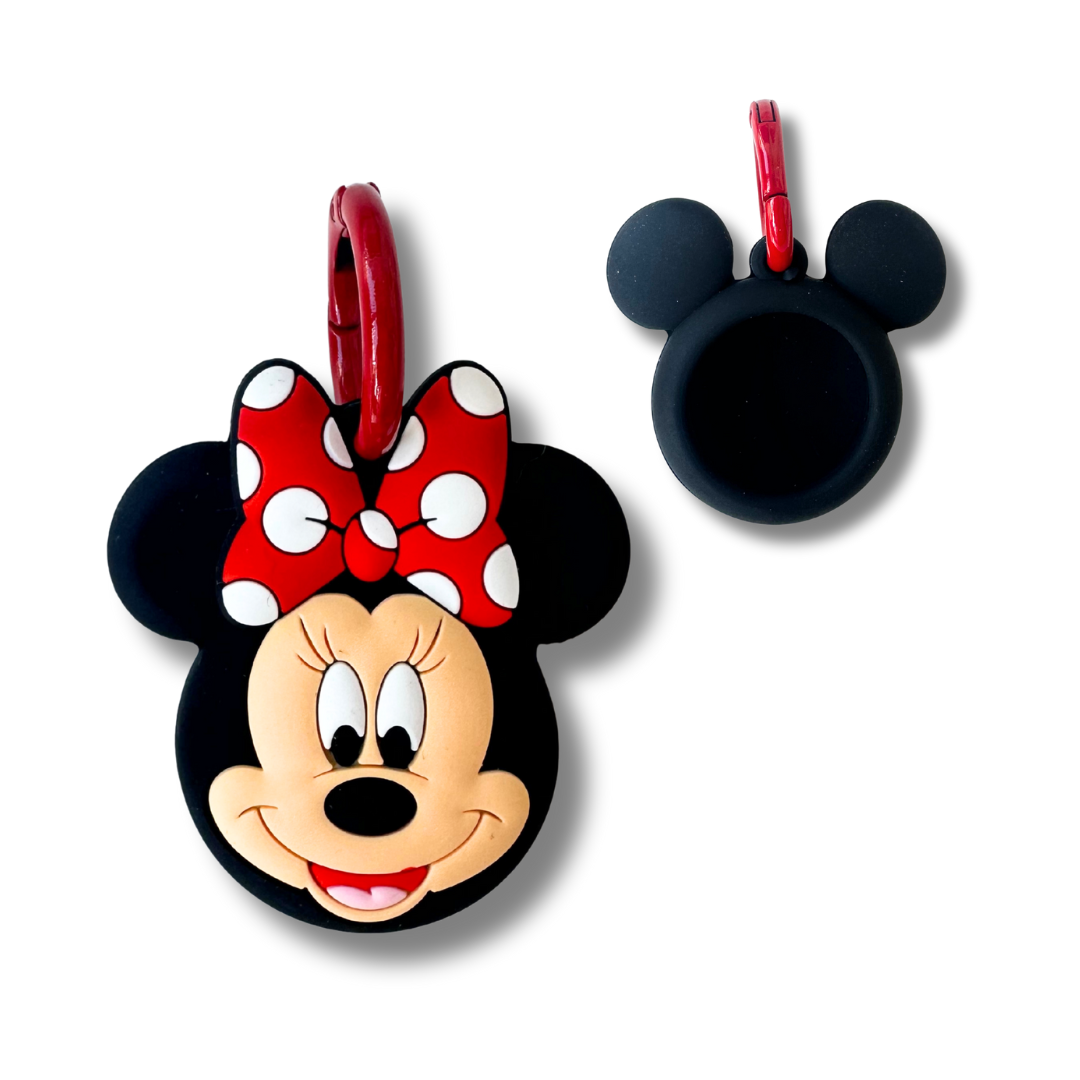
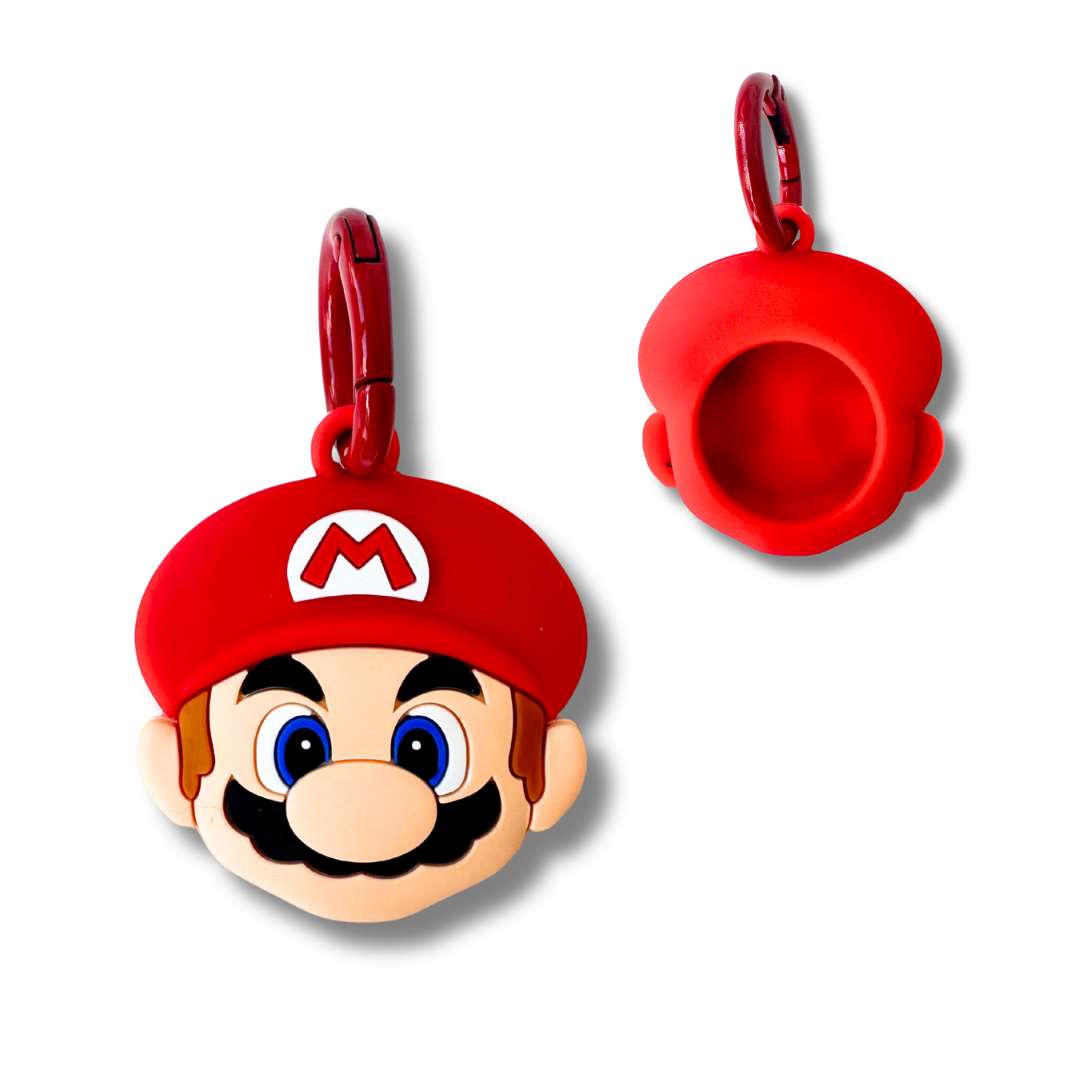
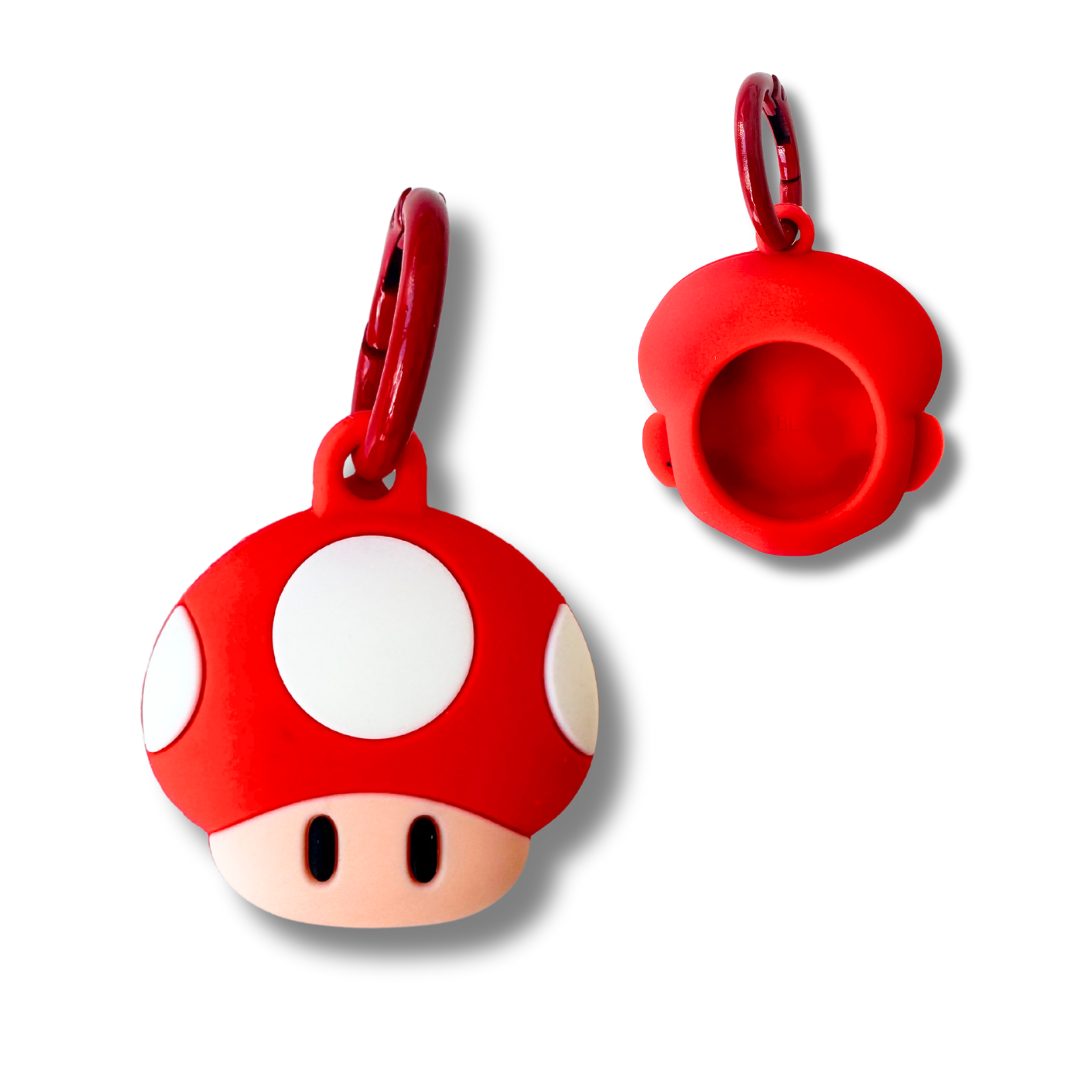
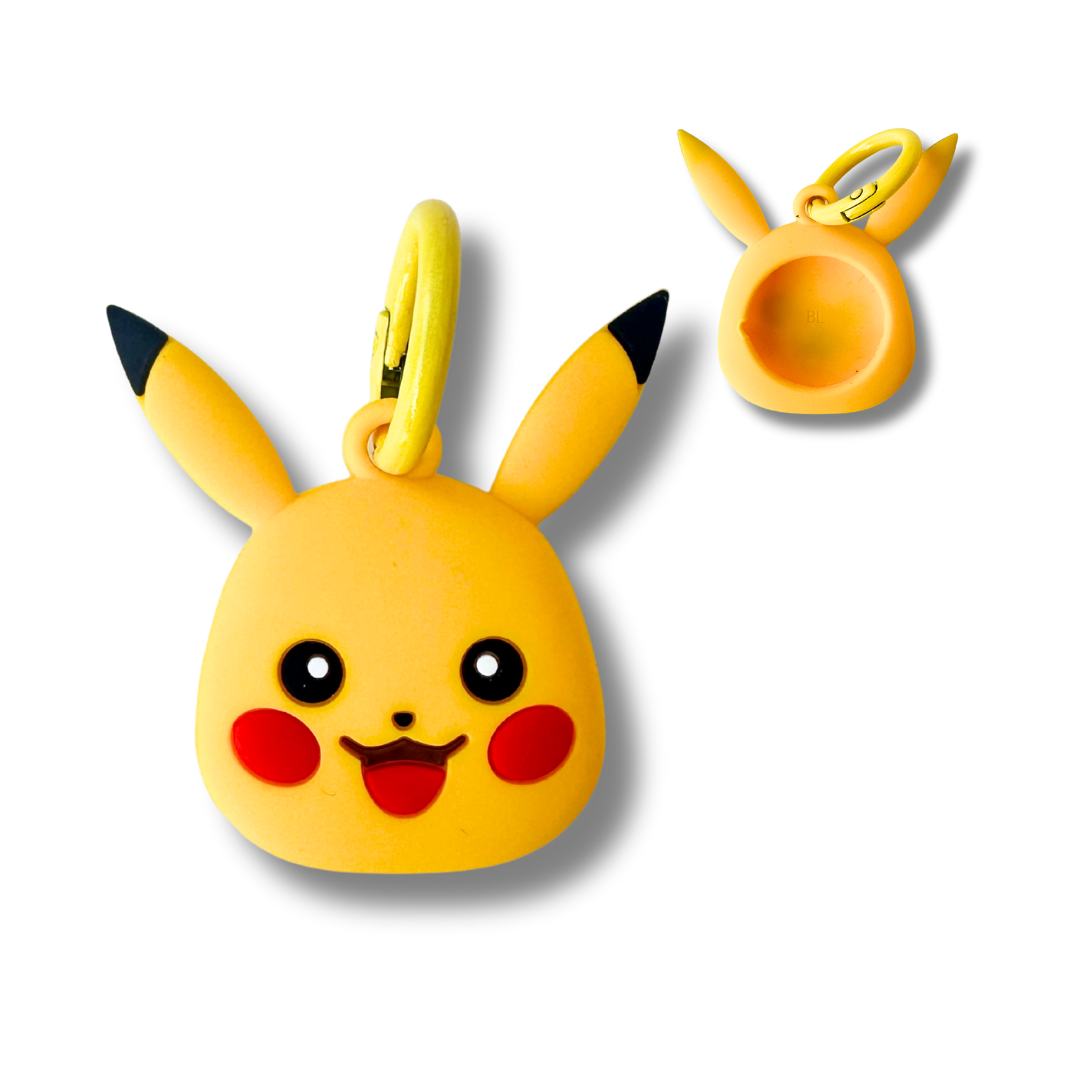
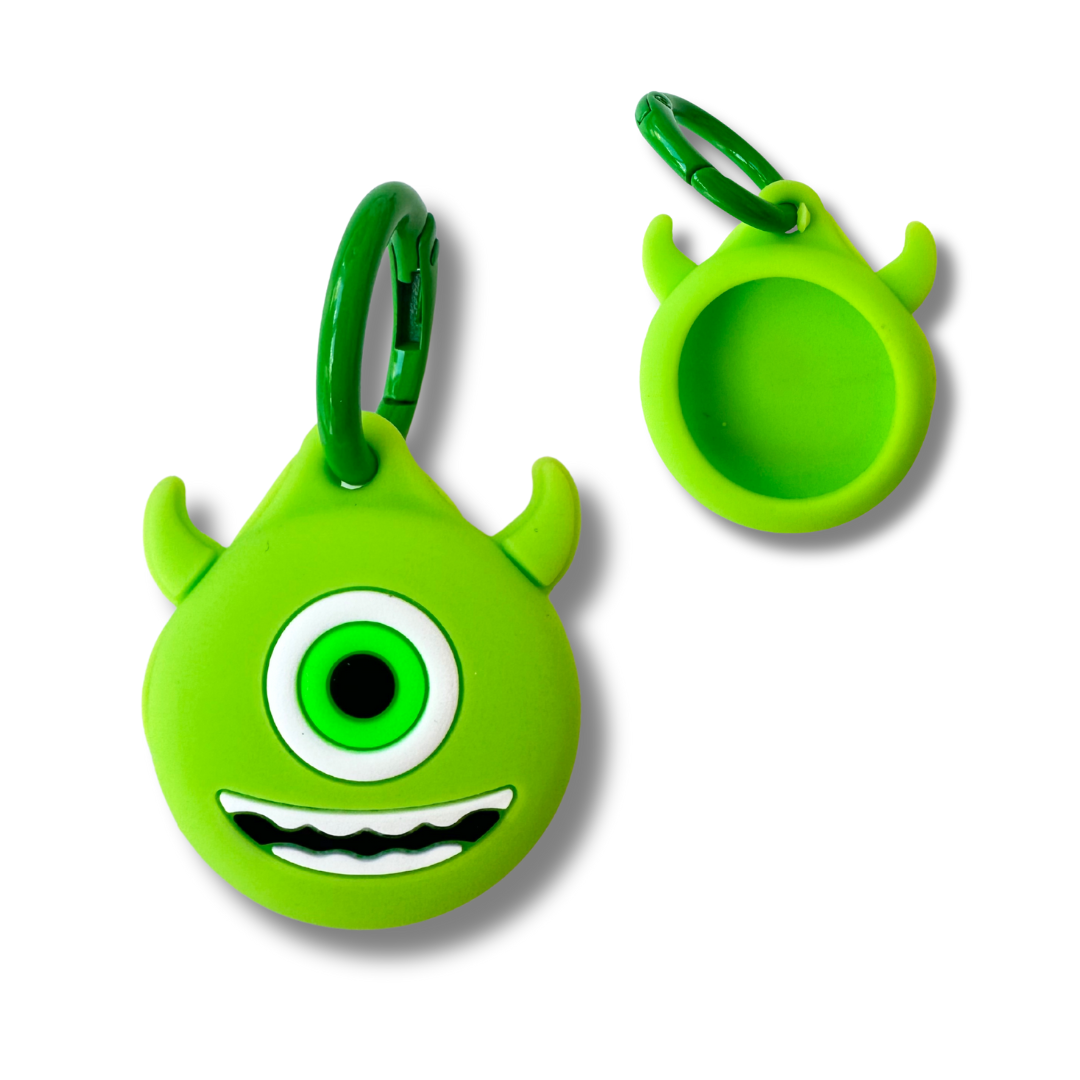
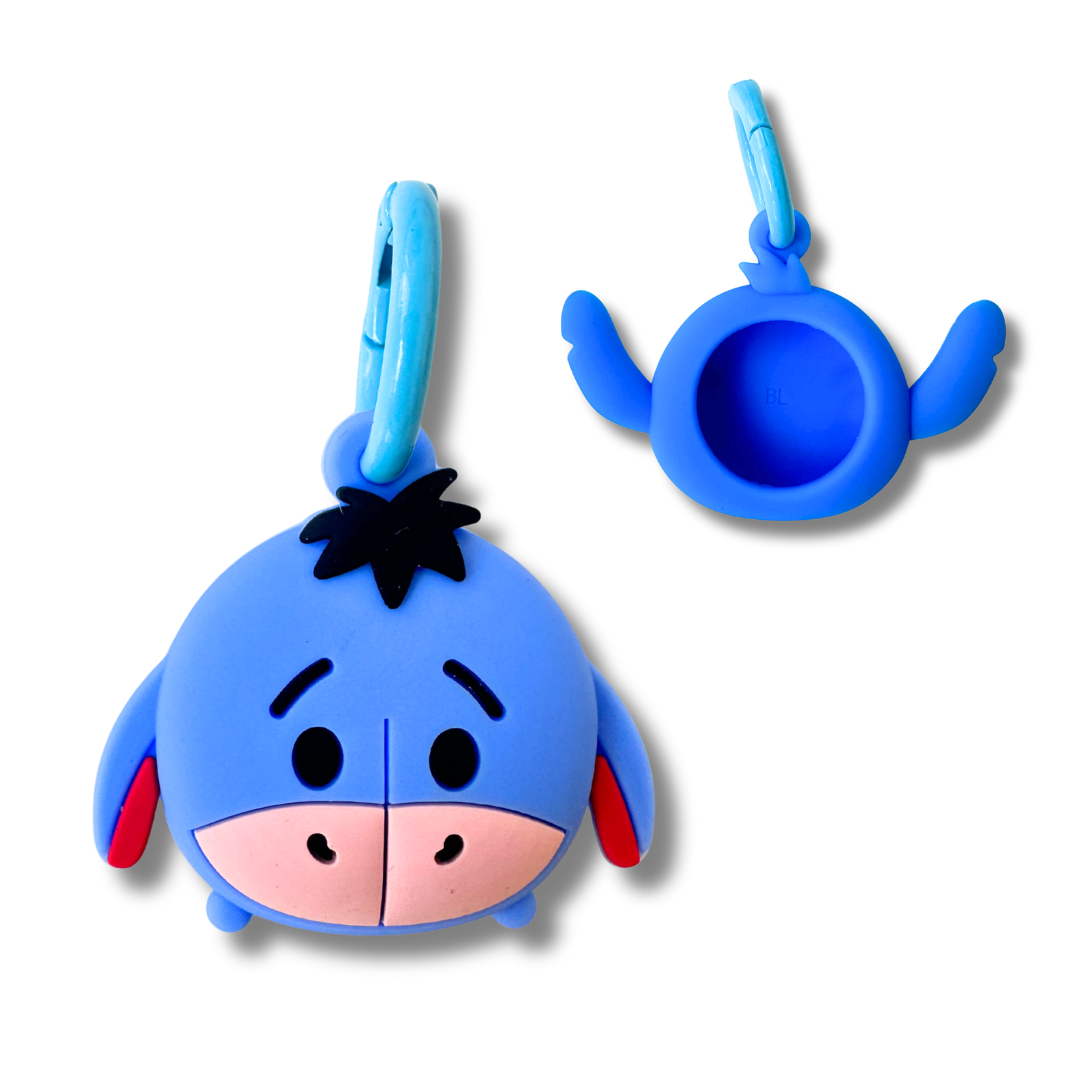
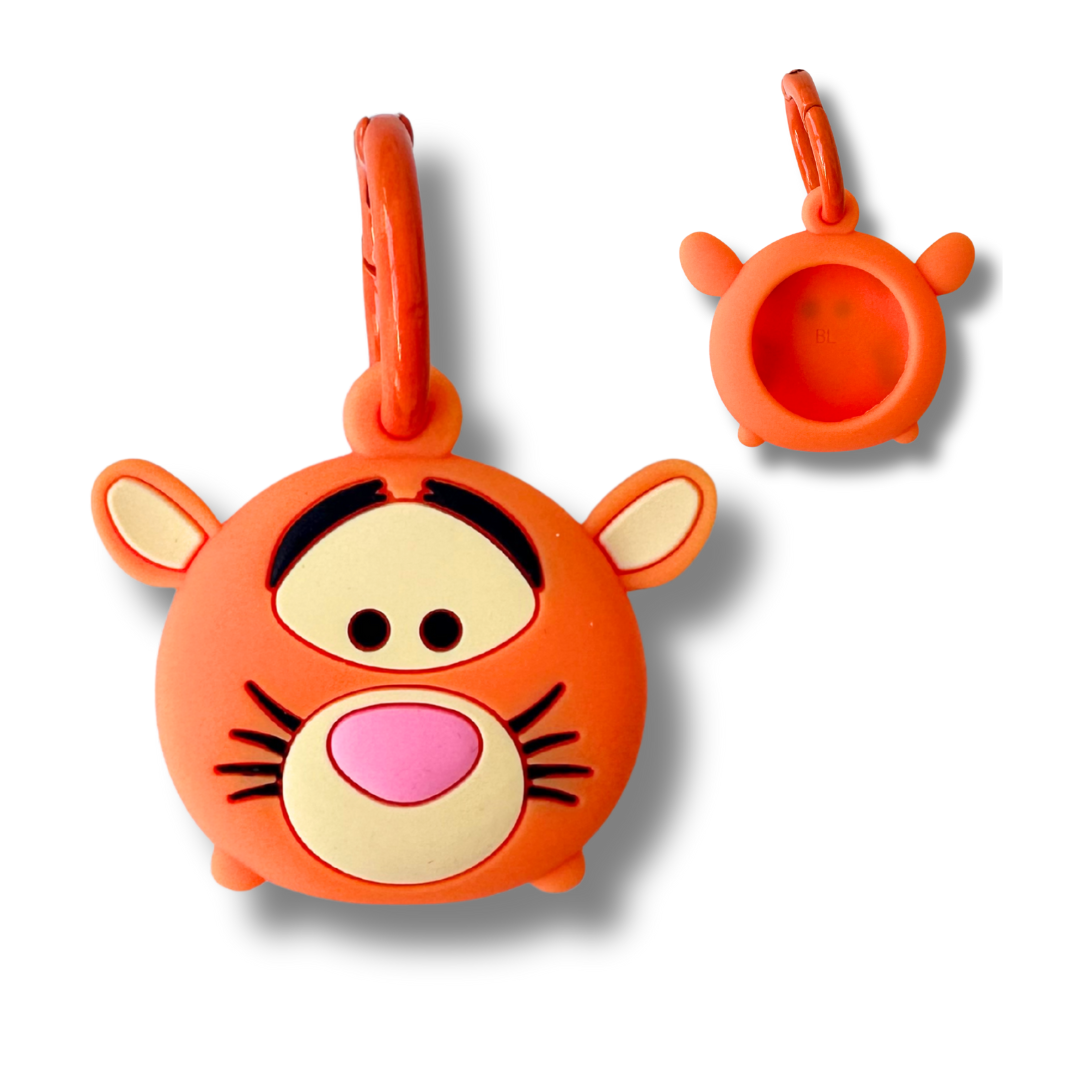
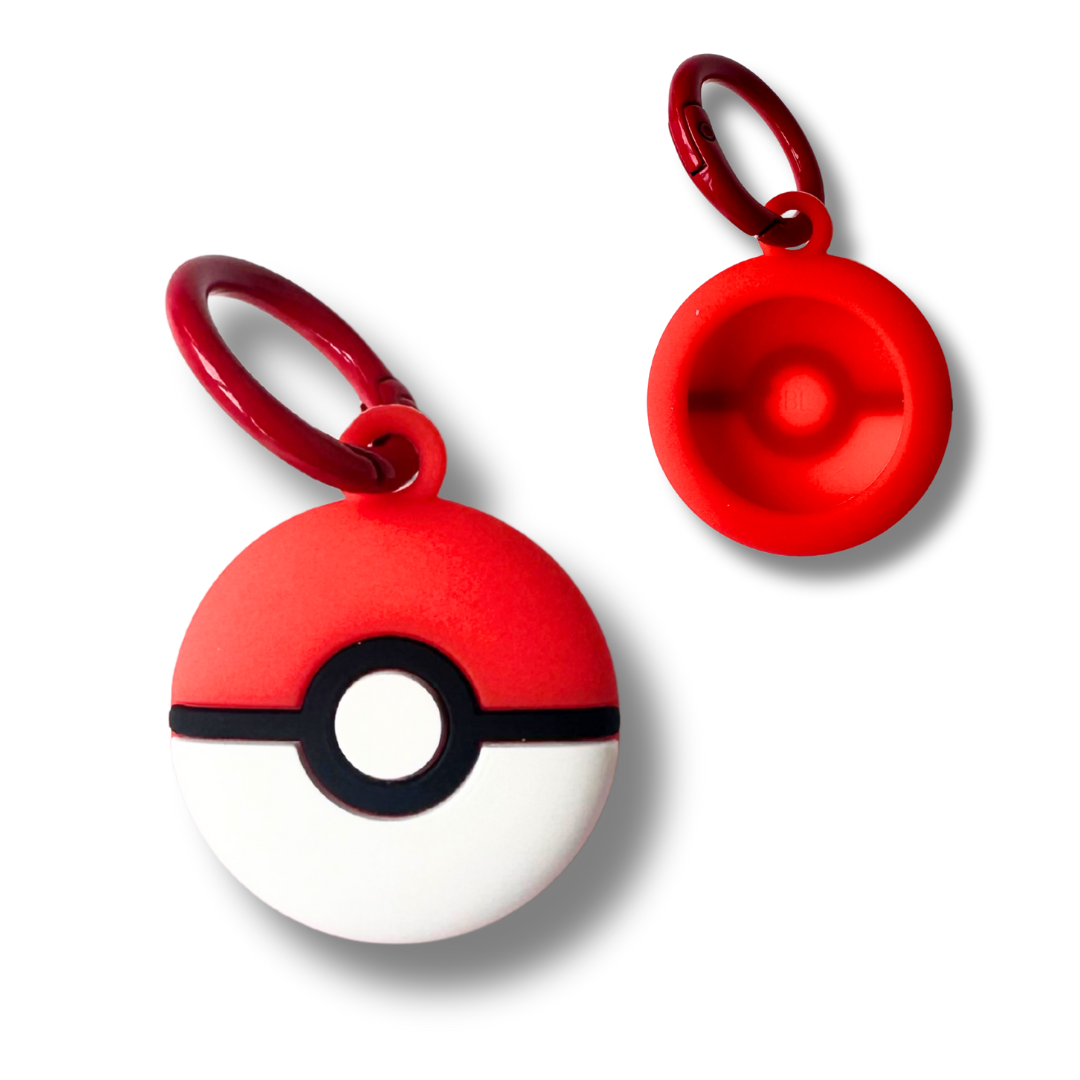
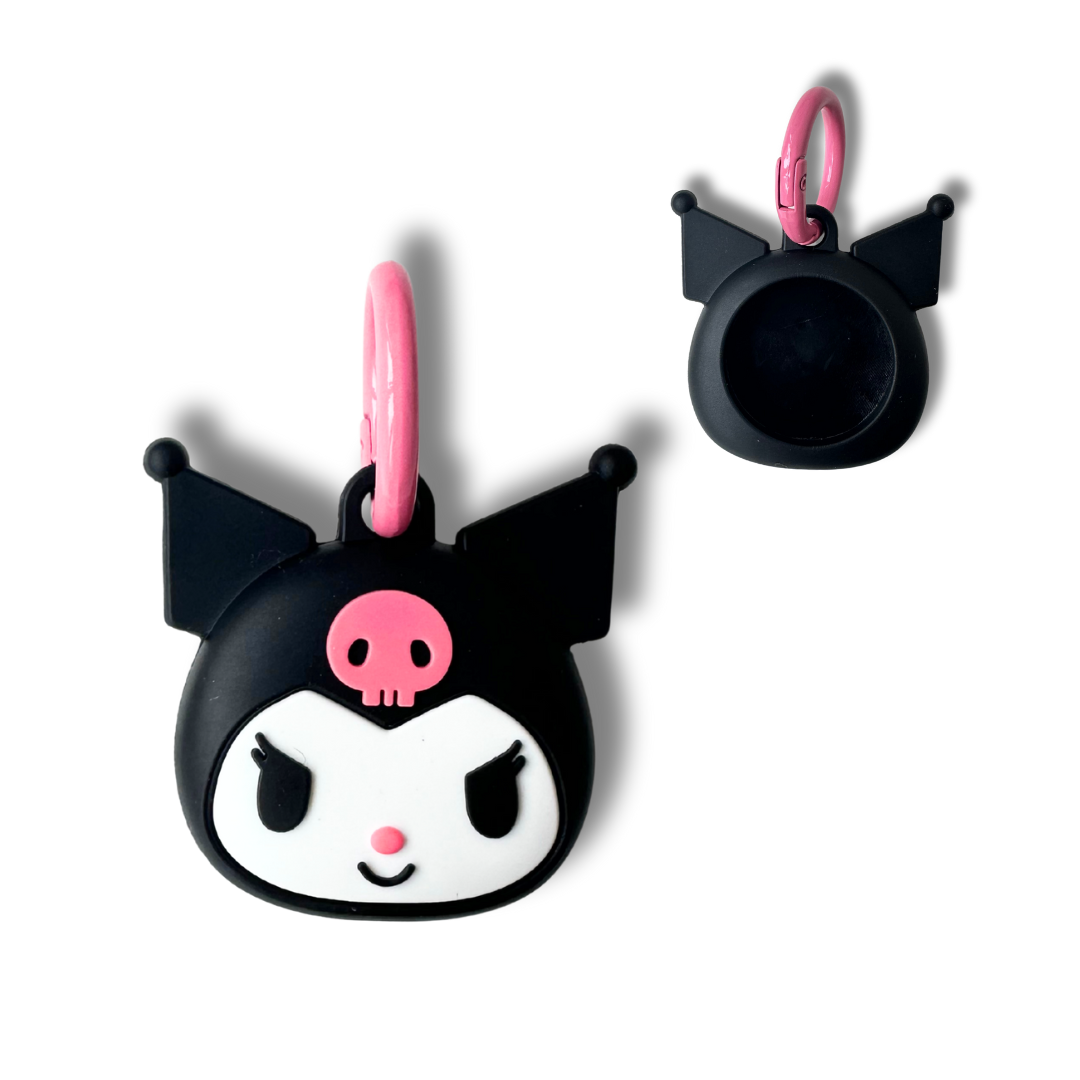
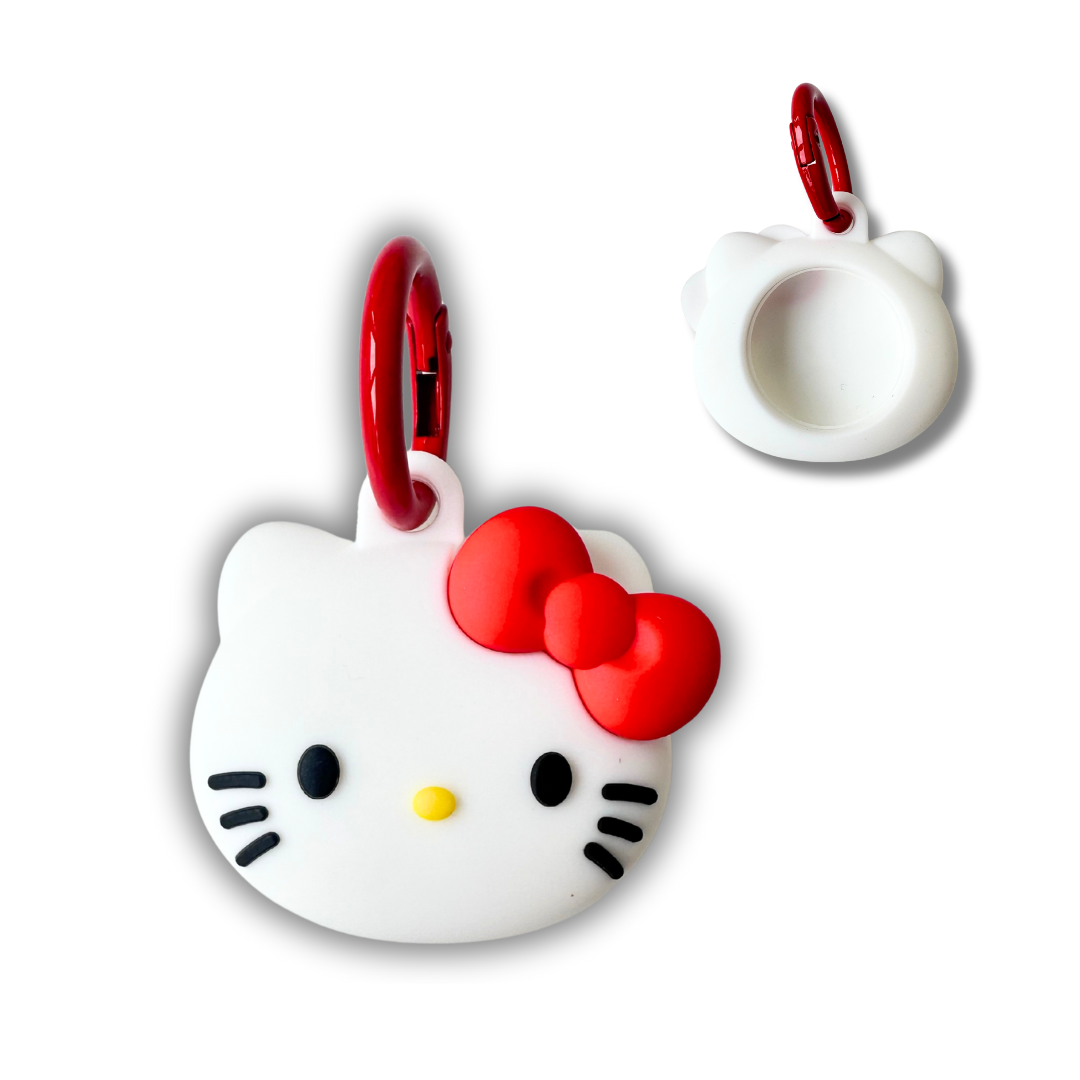
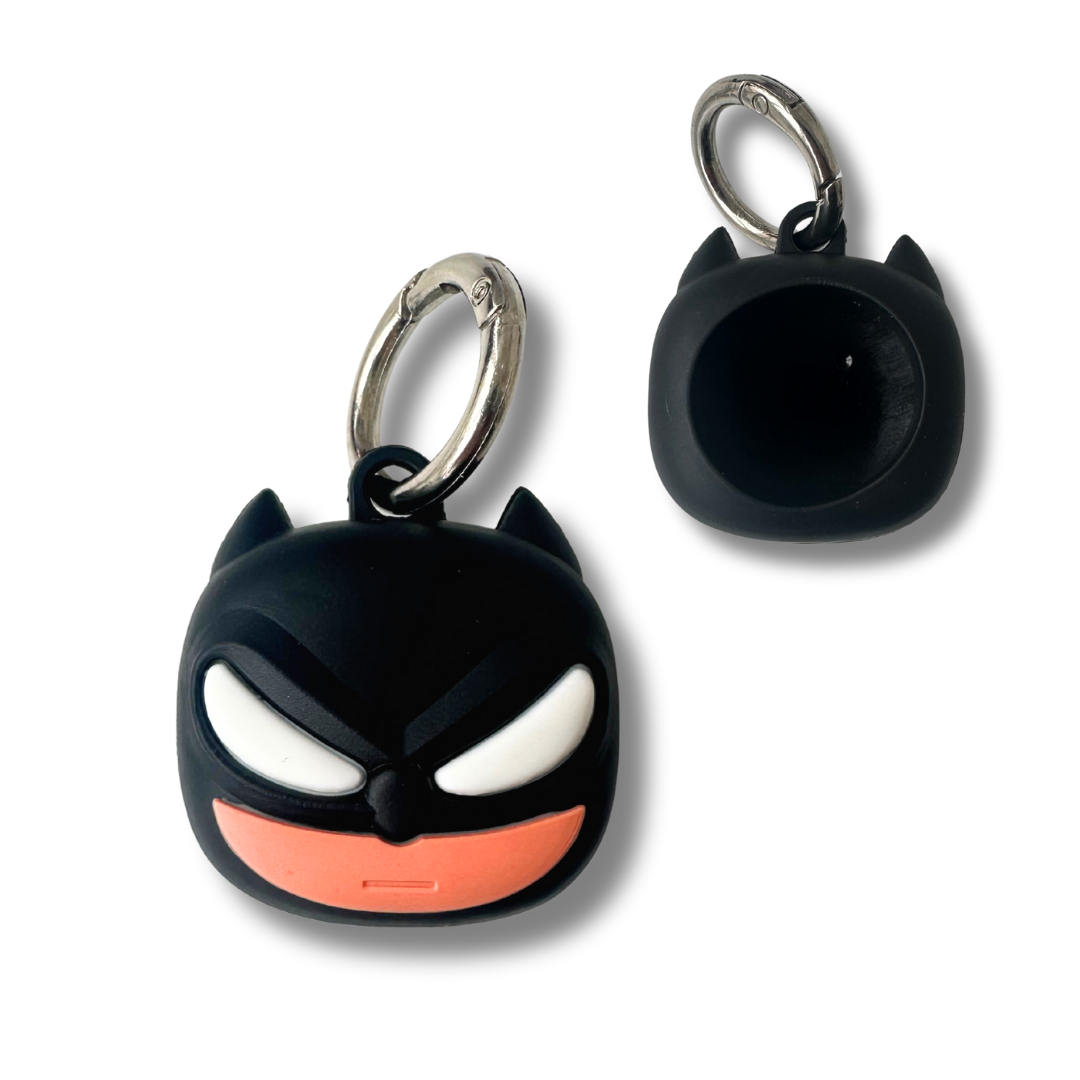
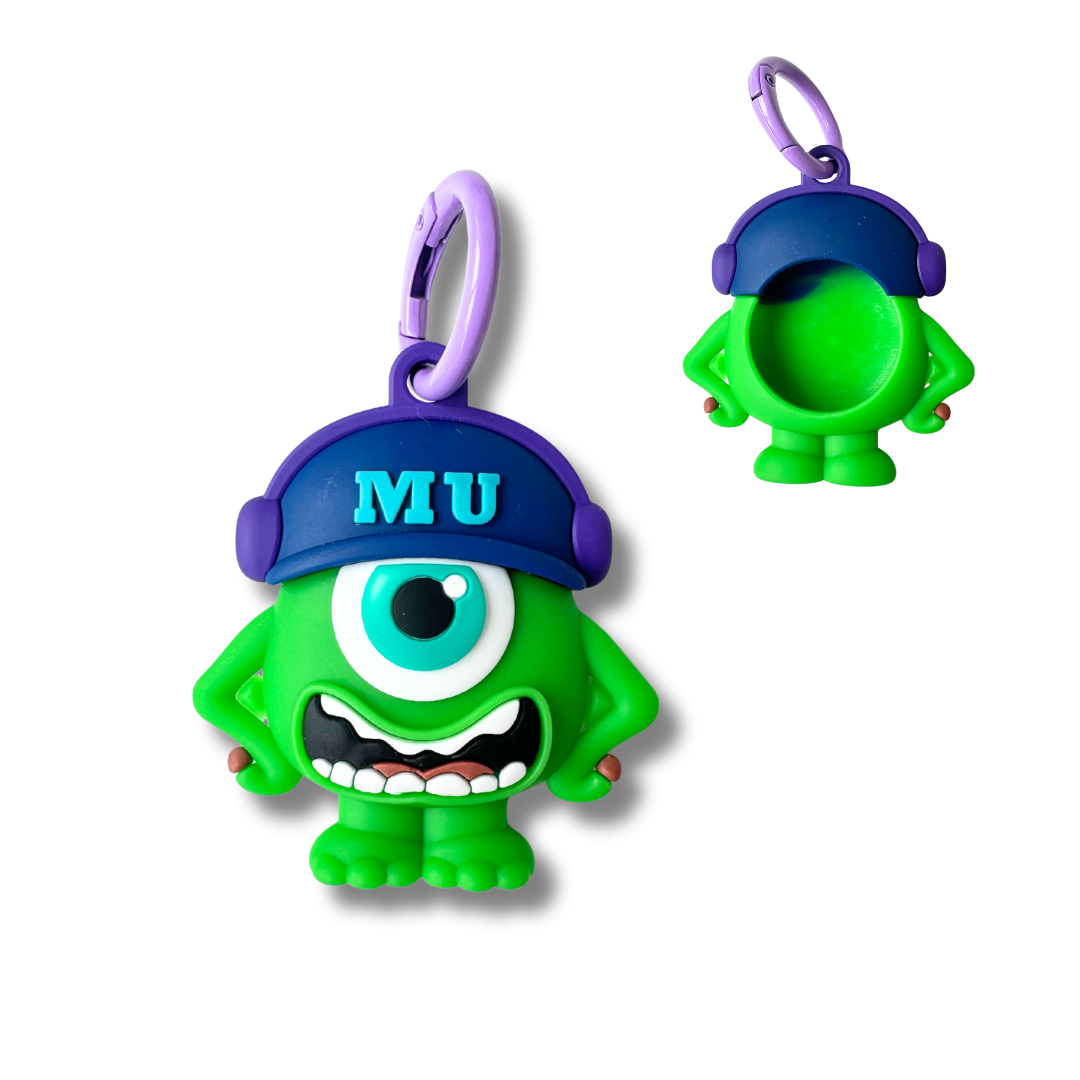
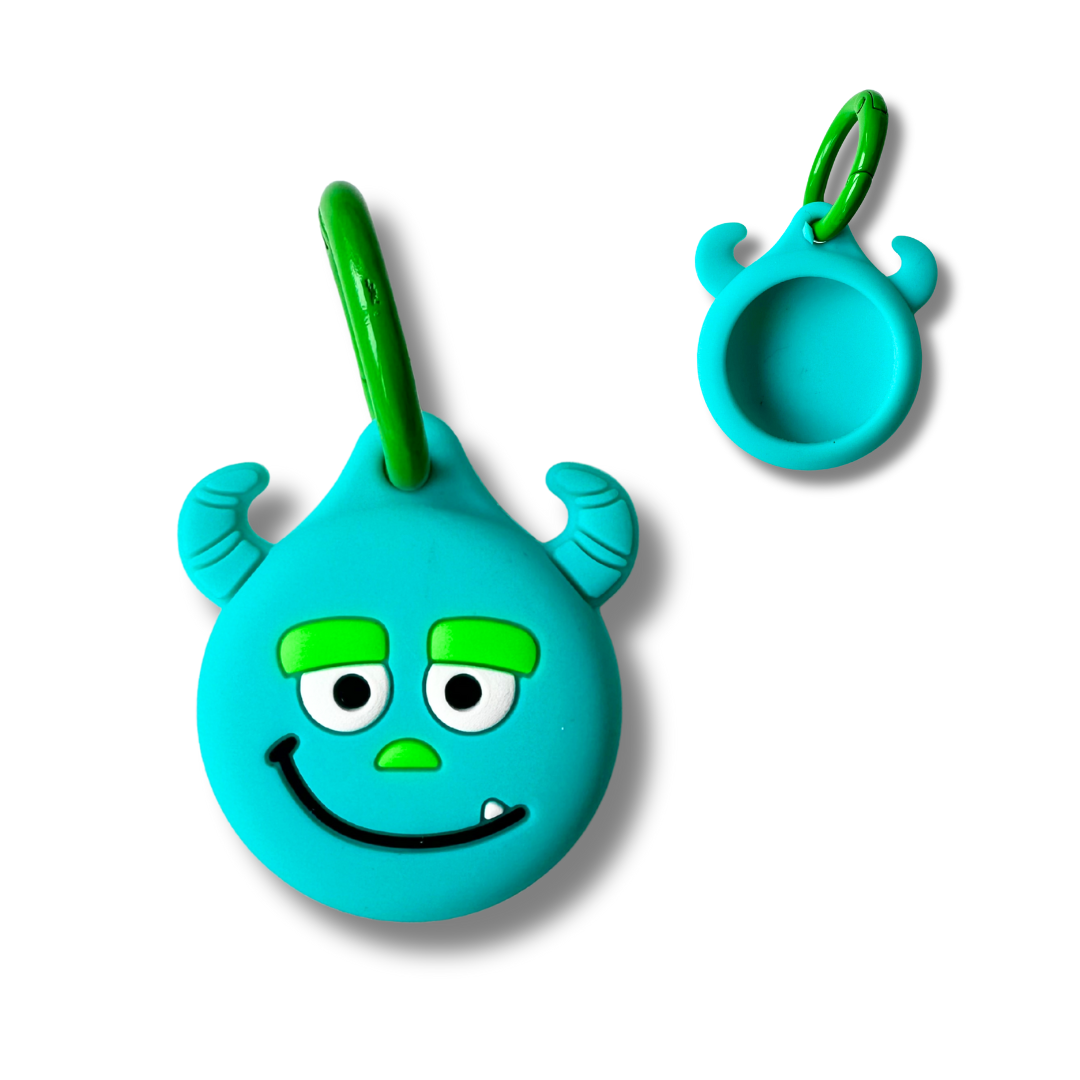
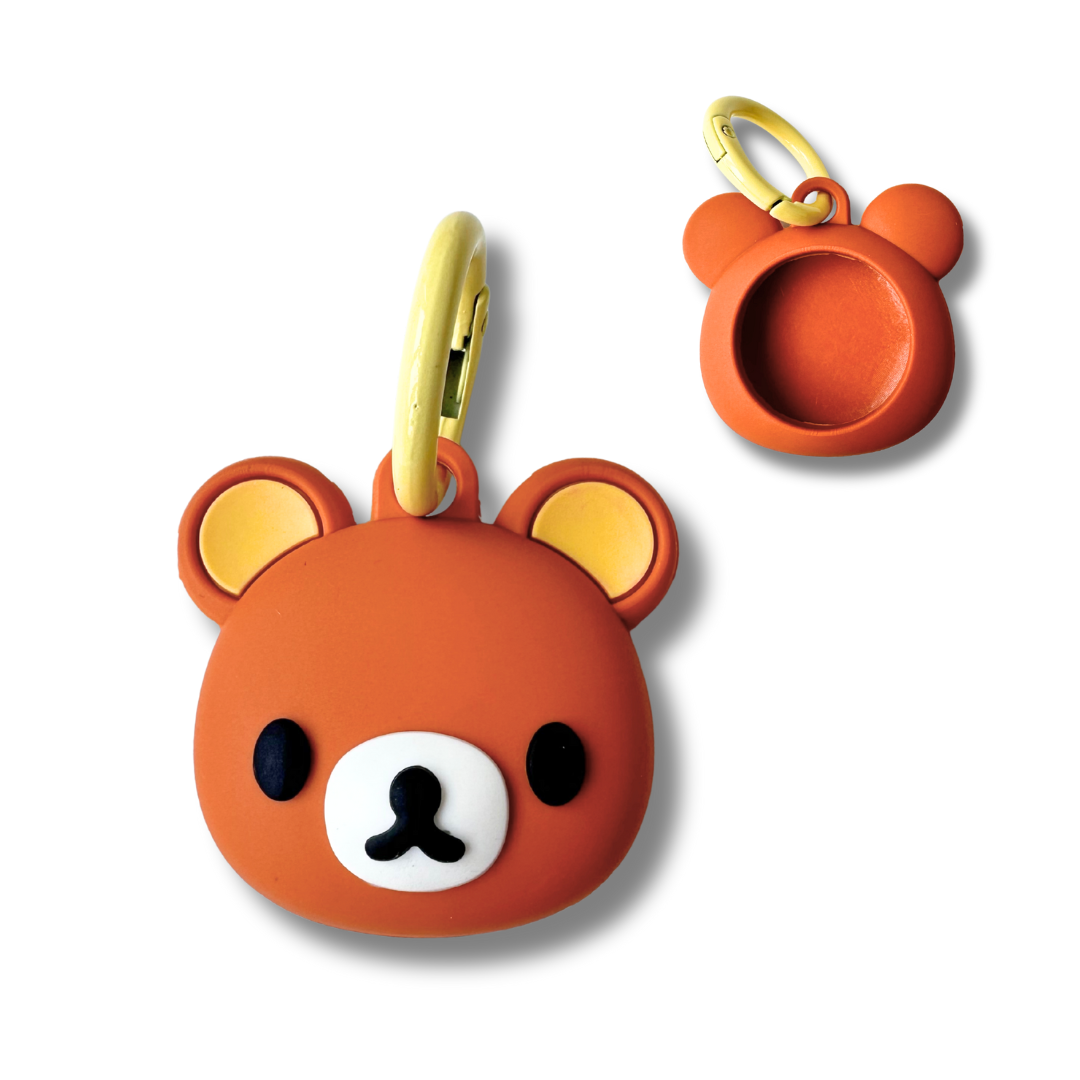
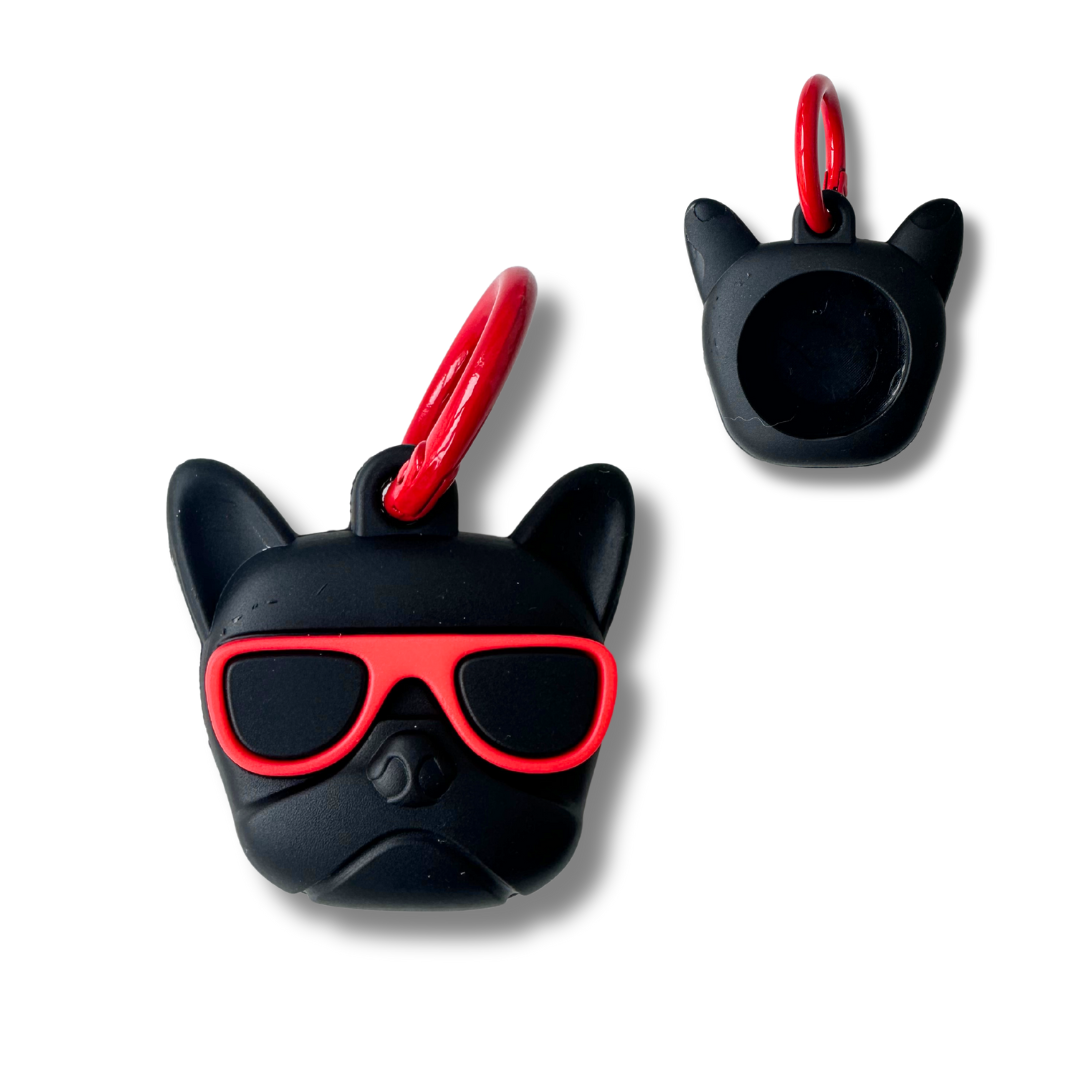
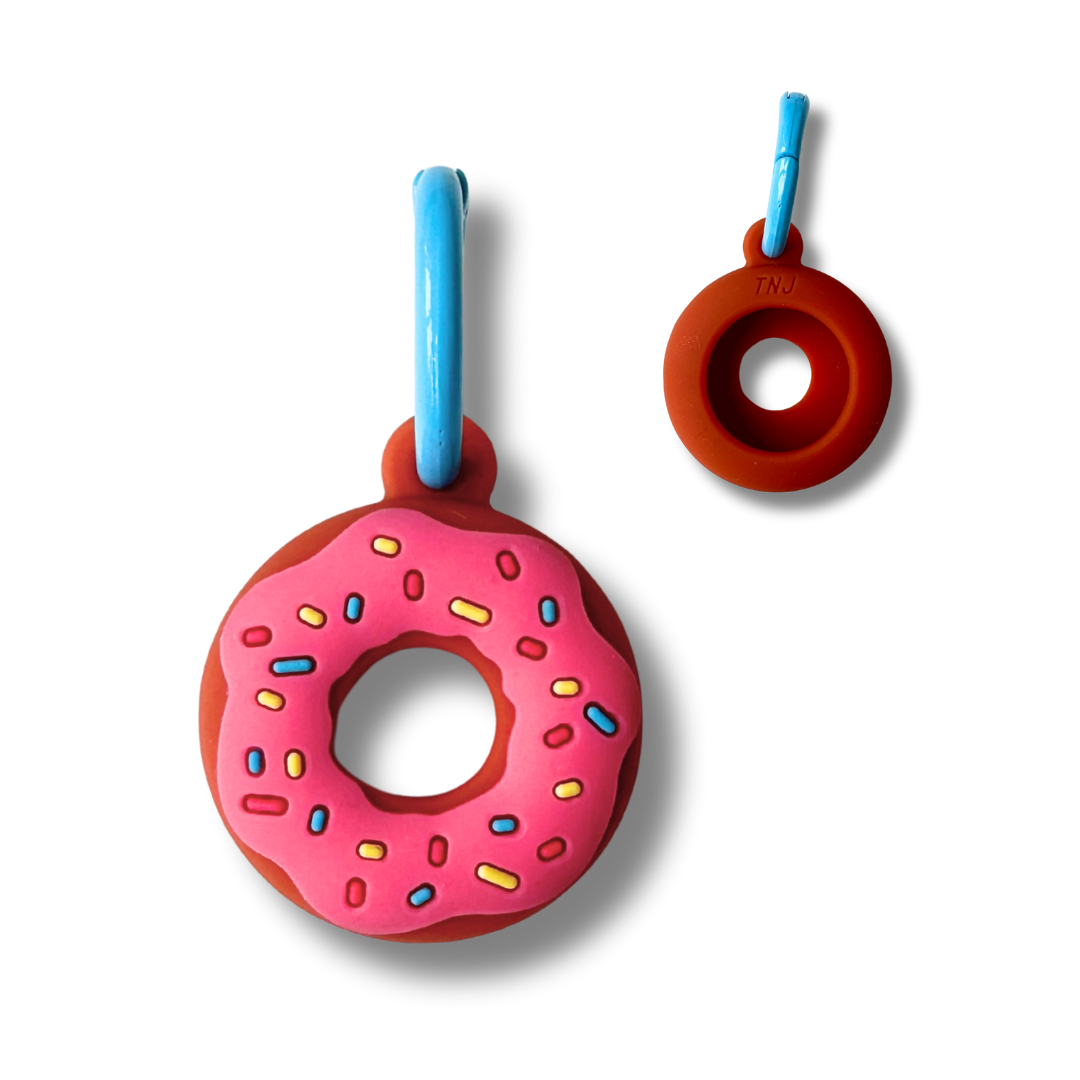
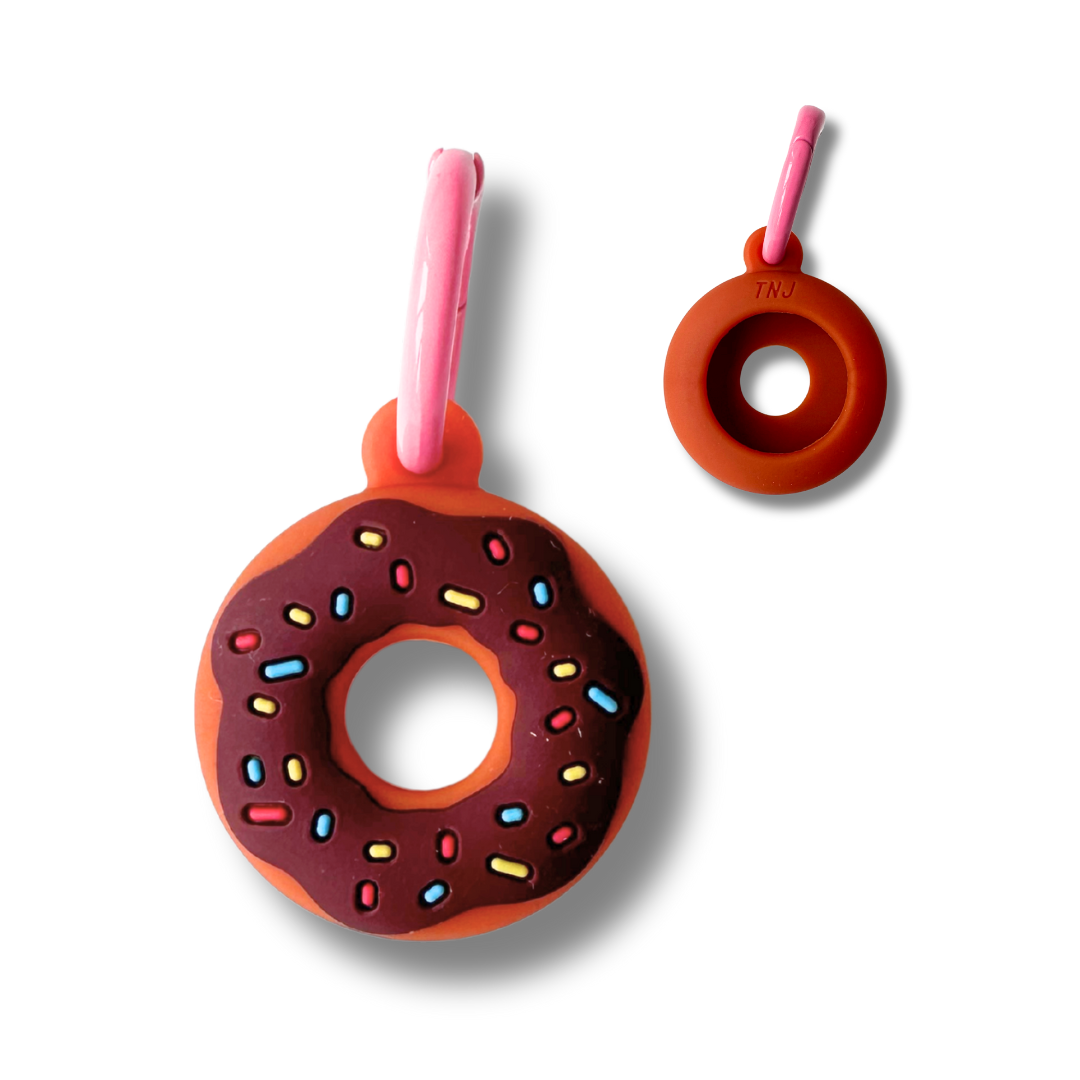
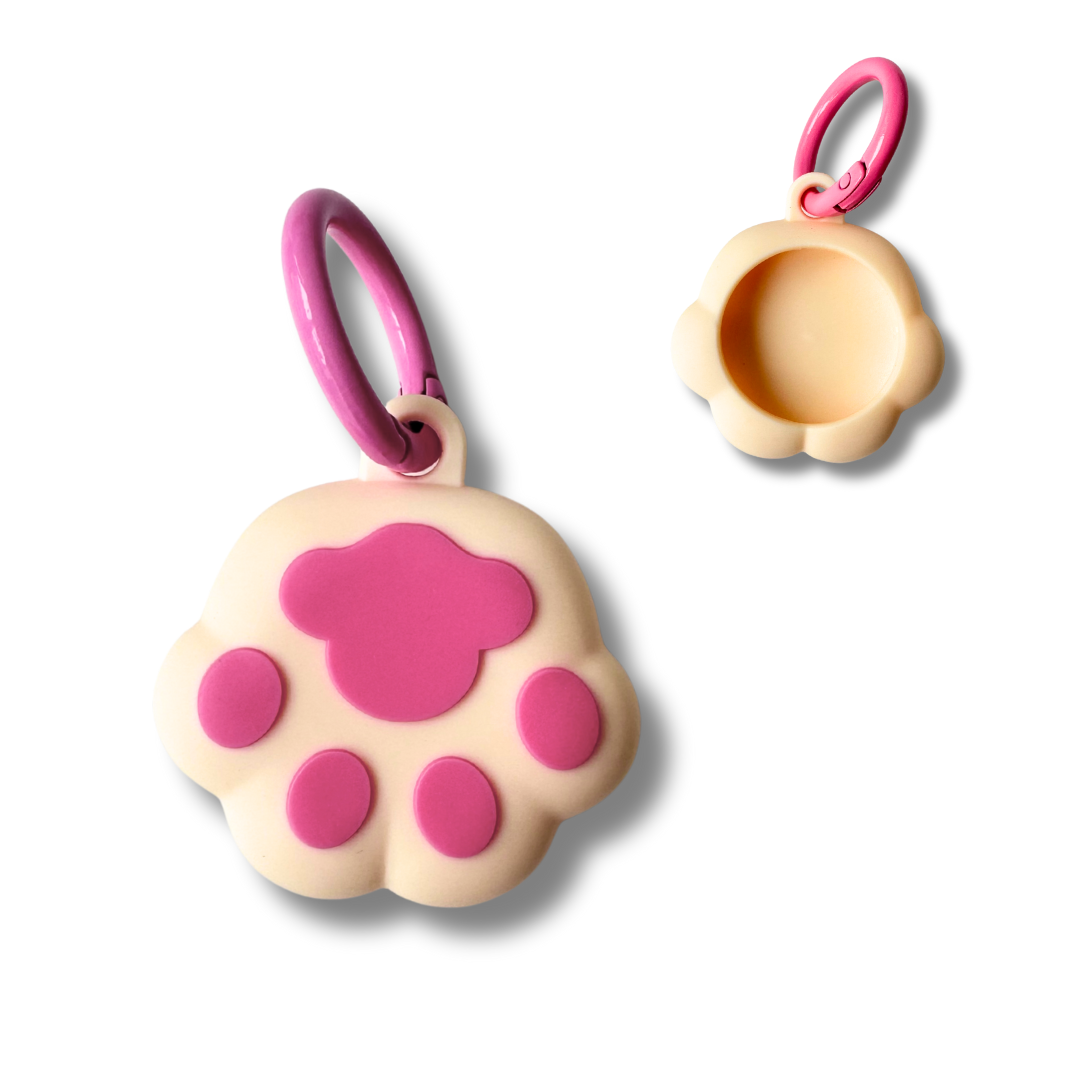
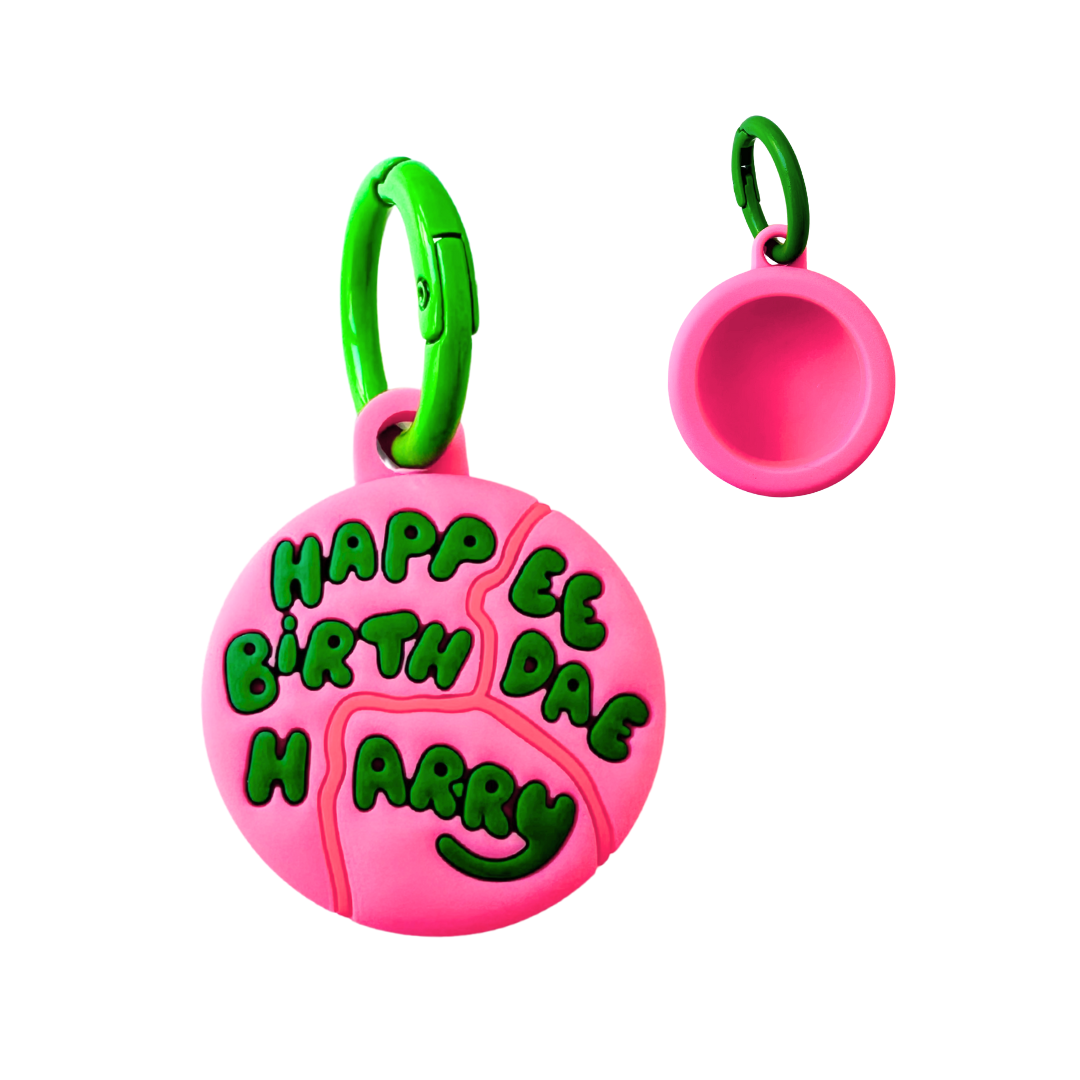
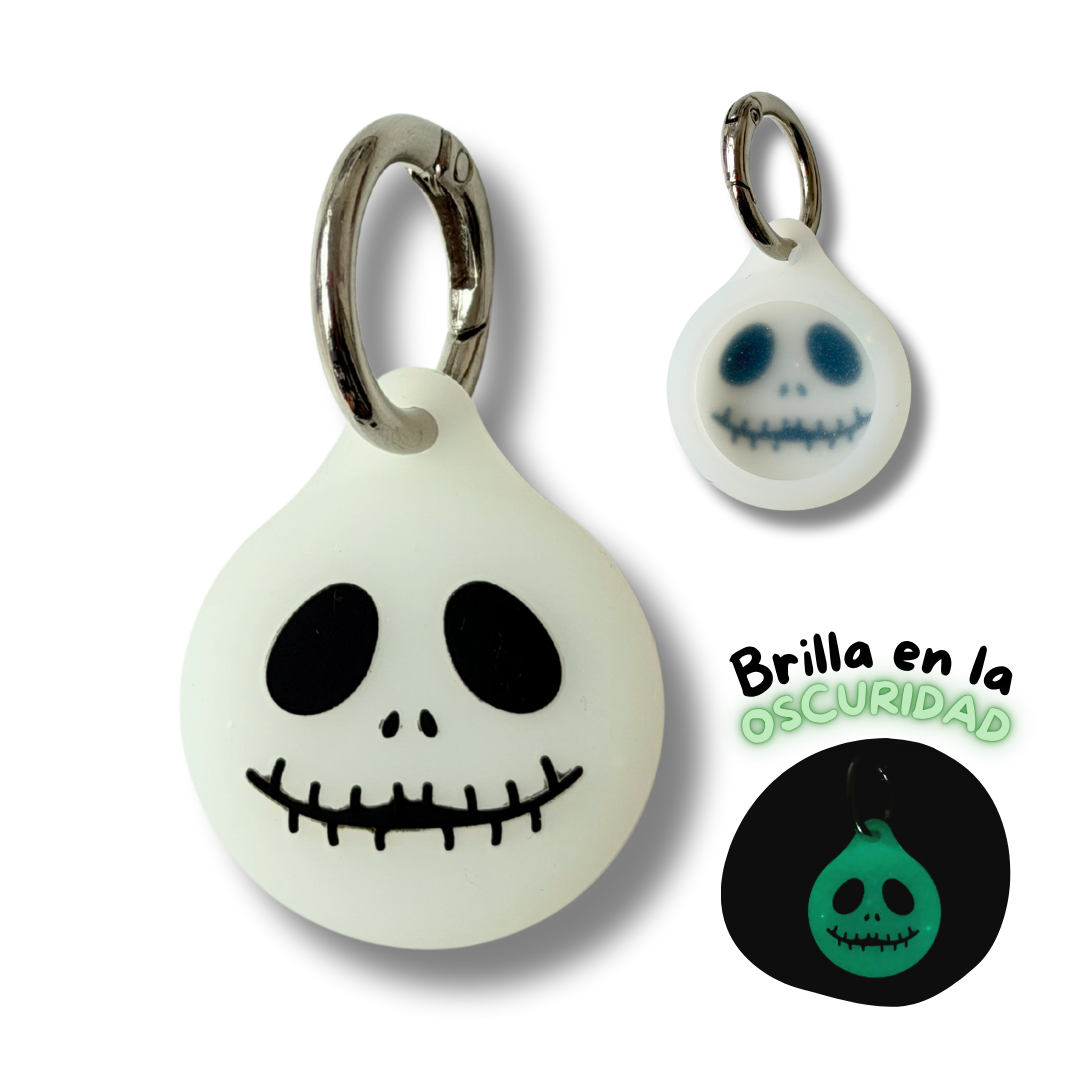
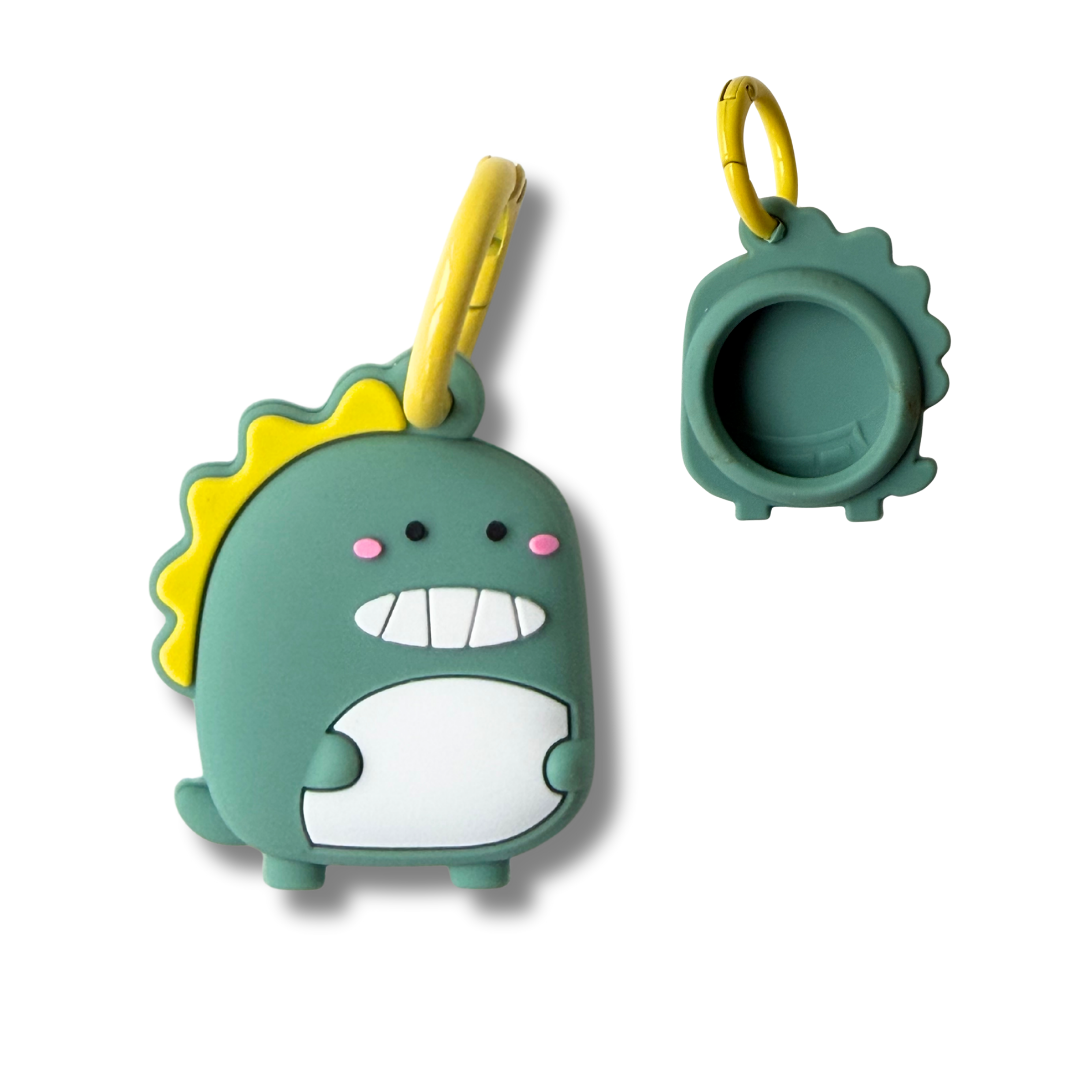
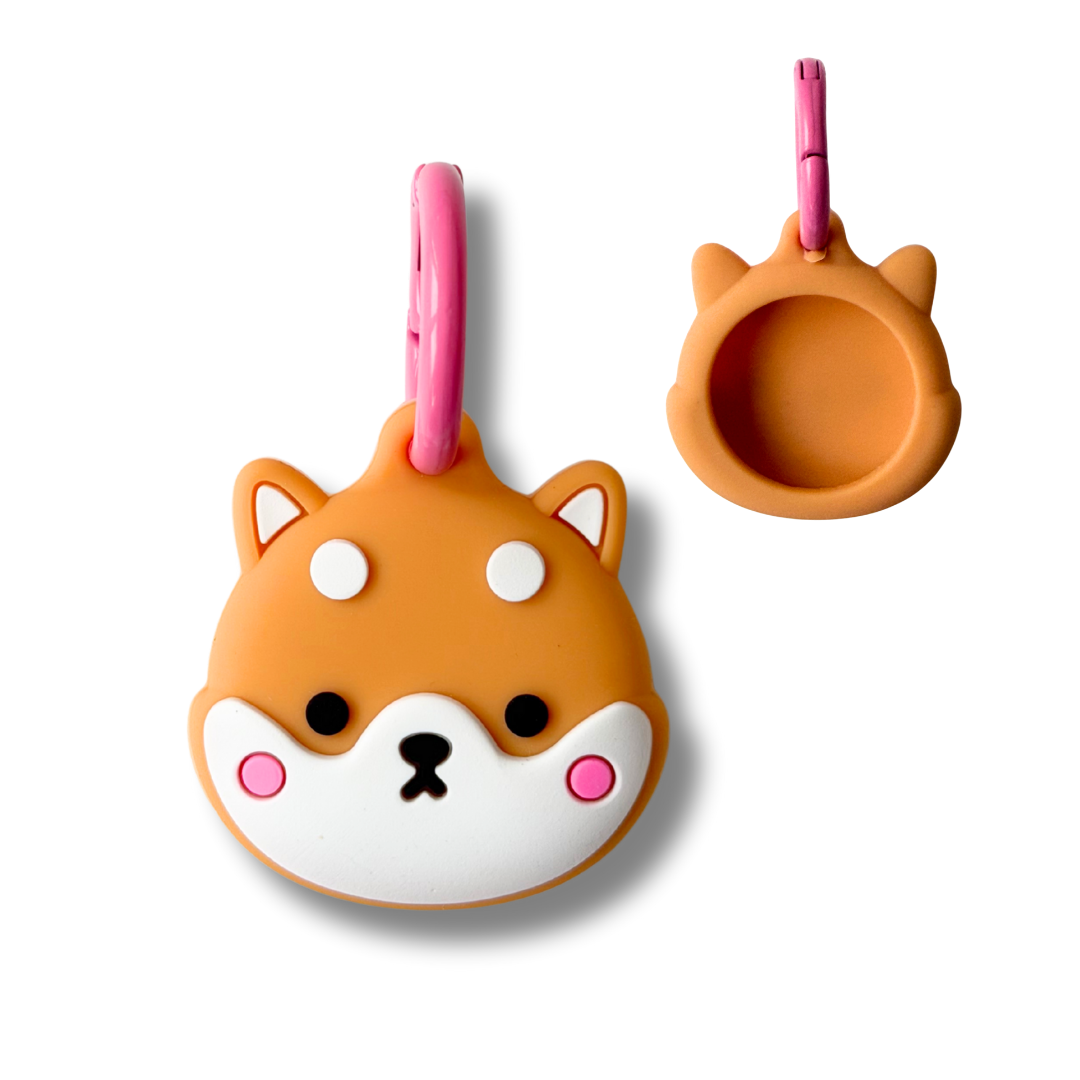
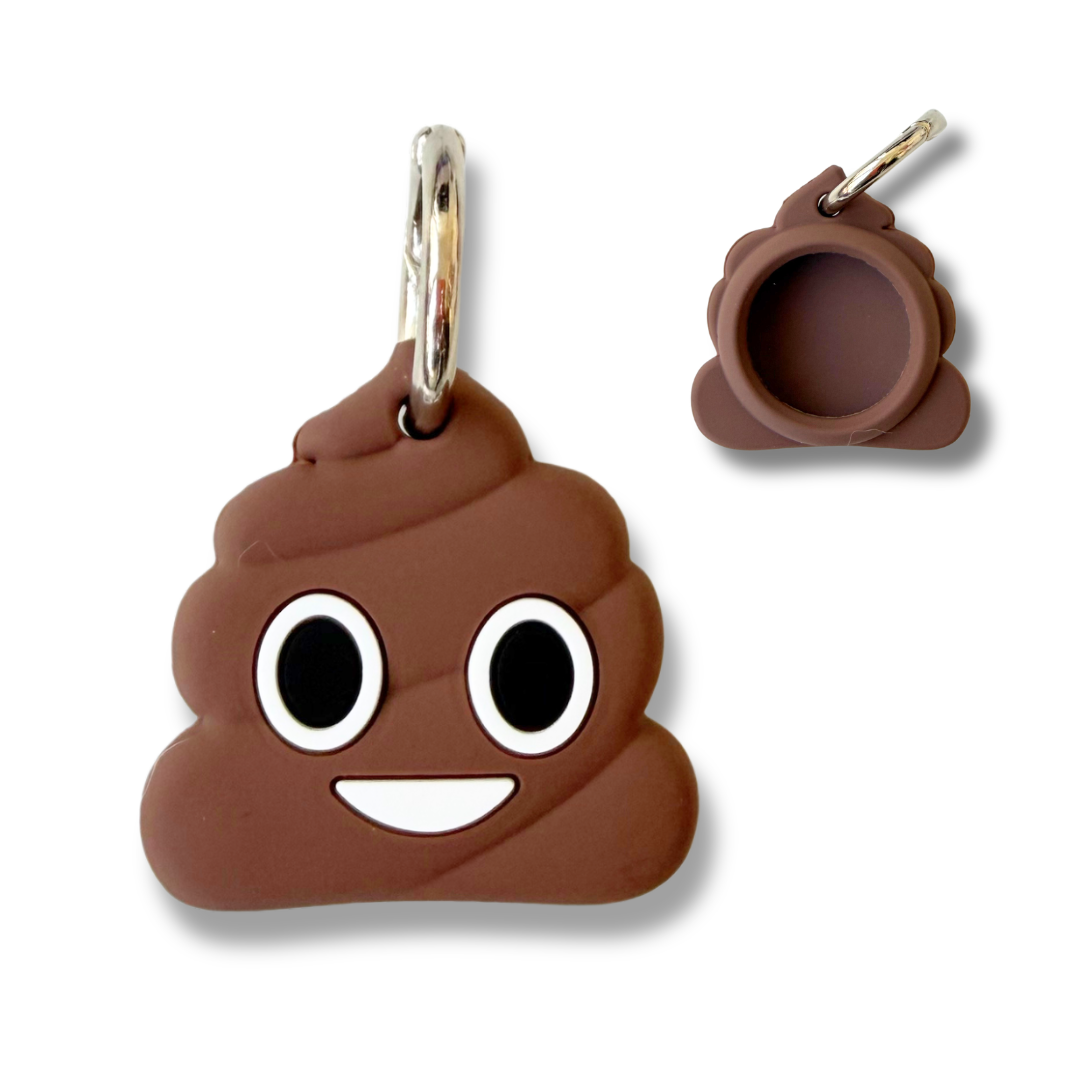
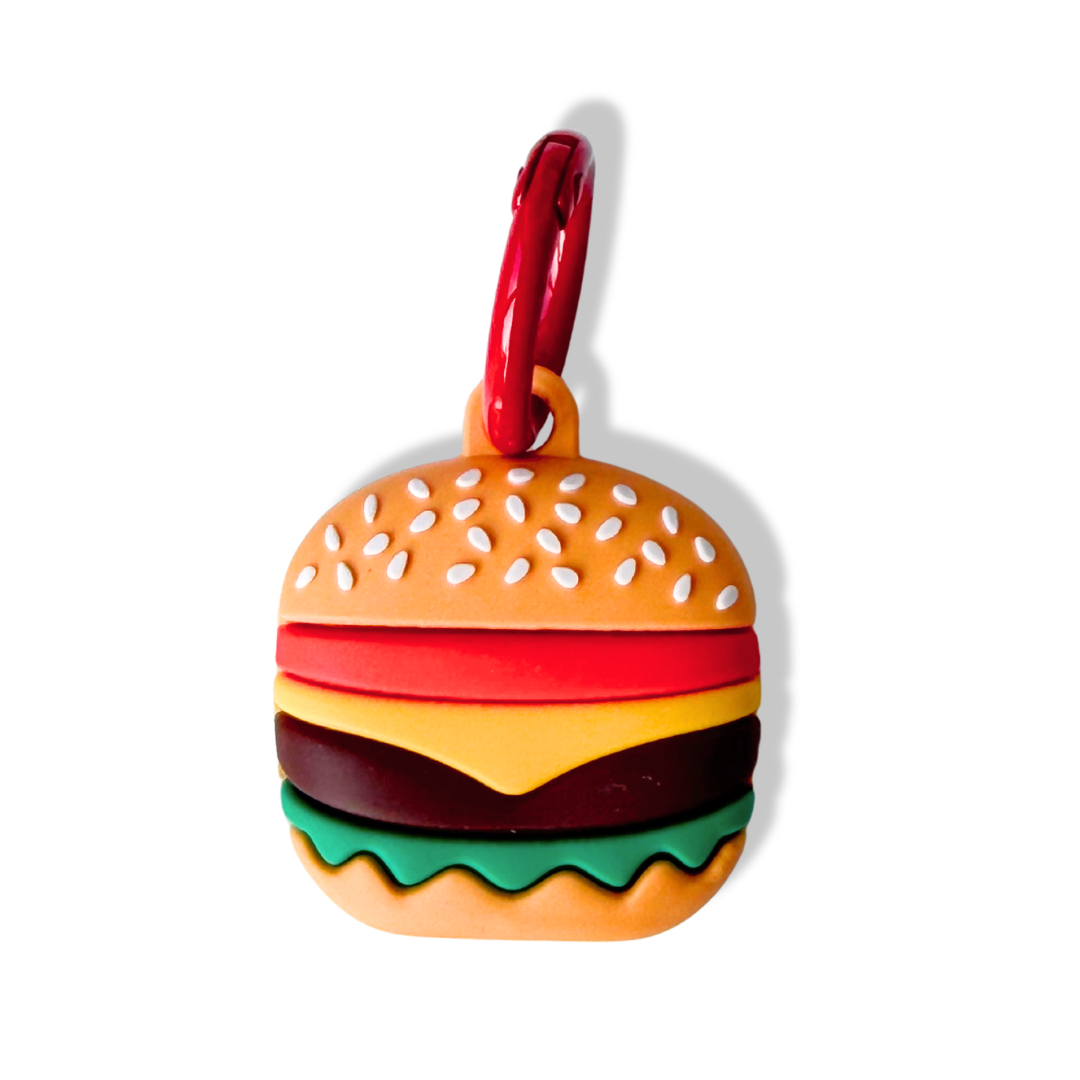
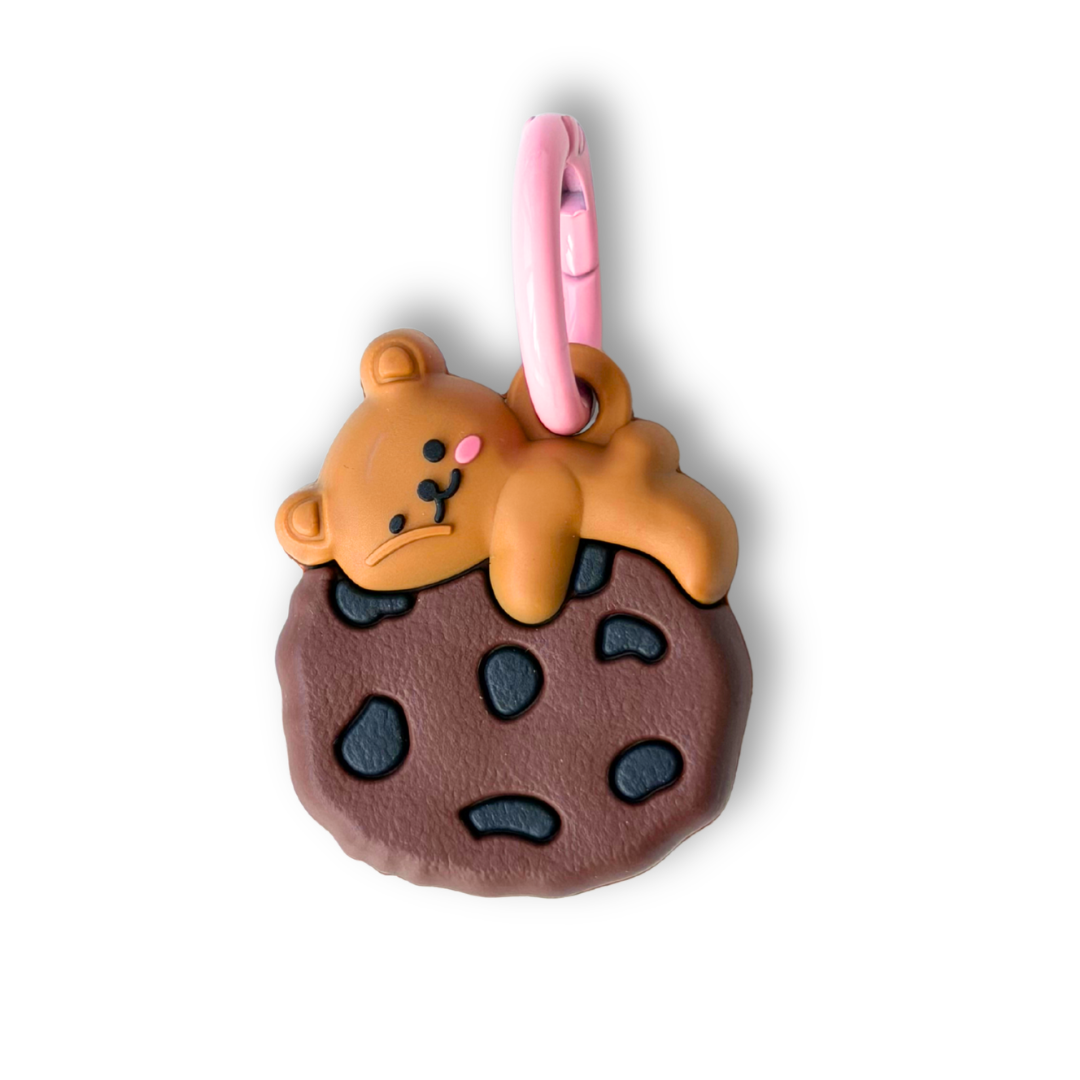
Themed covers for PiggyTracker
Themed covers for PiggyTracker
⭐ Nuevo PiggyTracker Dual⭐: Compatible con iPhone o Android. Durante la configuración eliges el sistema operativo que vas a utilizar. *No puede enlazarse con ambos simultáneamente
Couldn't load pickup availability
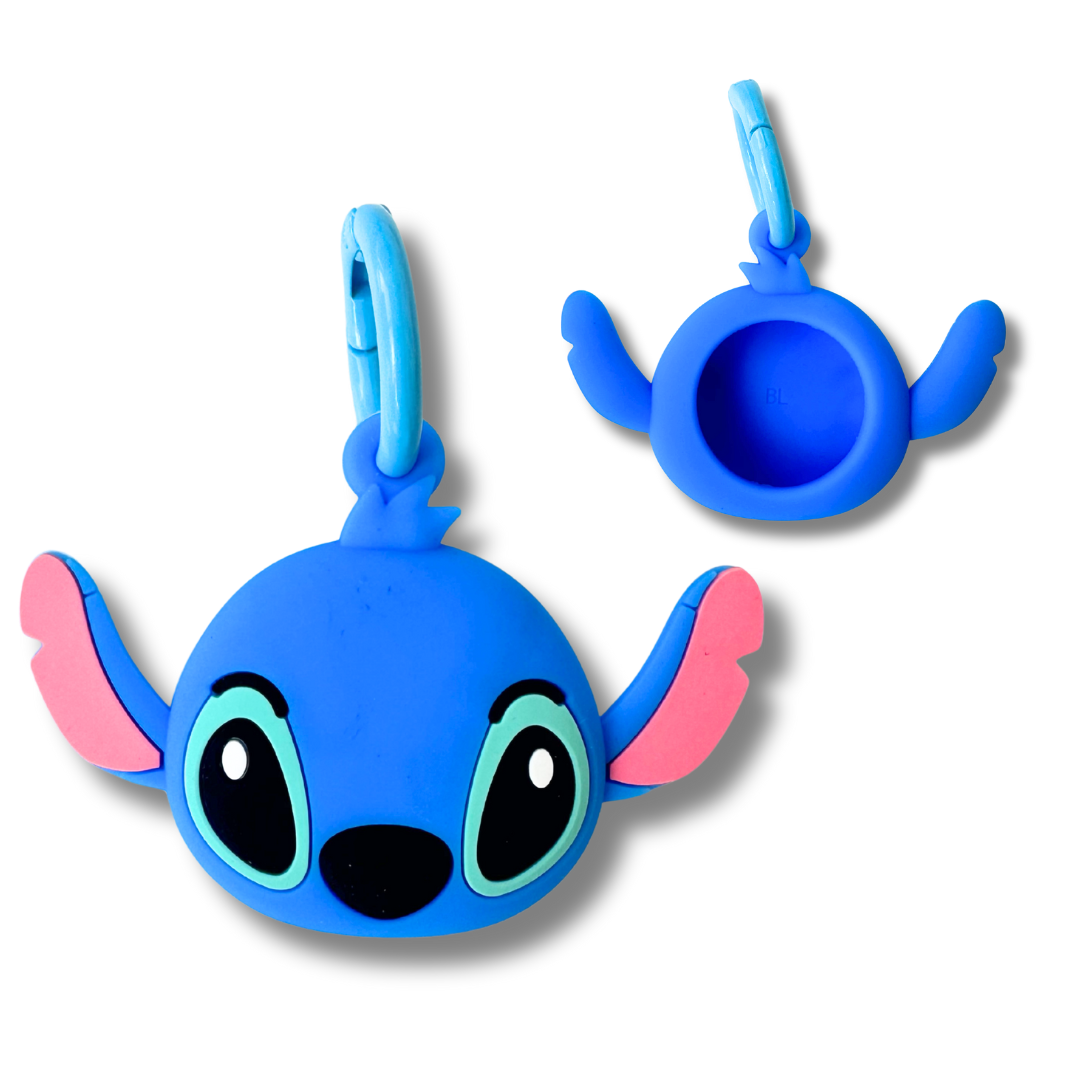
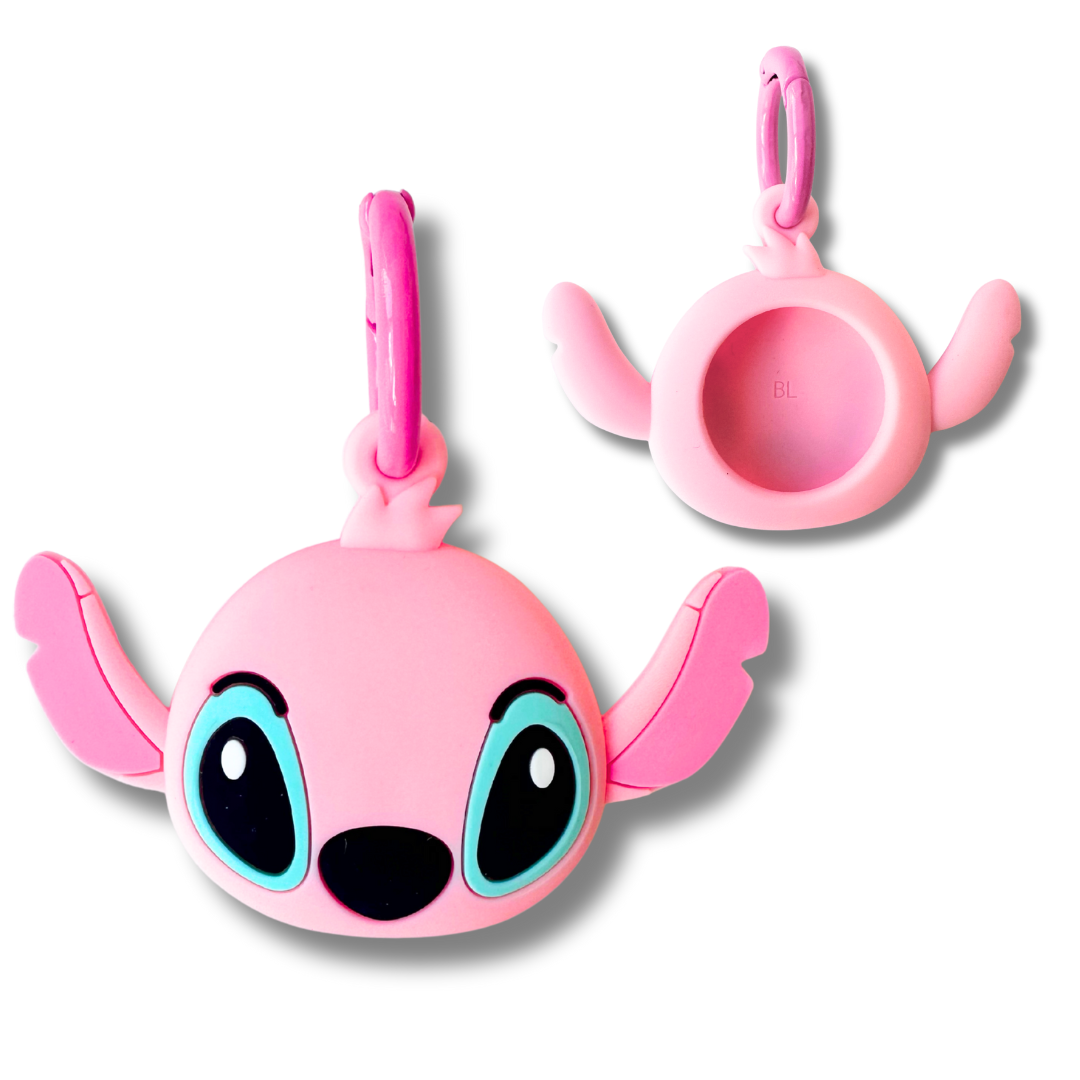
Silicone case with fun designs to hold the PiggyTracker device. (Device not included)
Includes a metal carabiner to anchor to the harness.
External measurements : 4 x 3.5 cm (may vary slightly depending on the design)
FAQs / FREQUENTLY ASKED QUESTIONS about PiggyTracker™
FAQs / FREQUENTLY ASKED QUESTIONS about PiggyTracker™
-
What is its range?
The range required for a phone to detect the tracker is 30-40 meters (and in certain areas, if there are walls or obstacles, it may be slightly less). This doesn't mean that if our dog wanders more than 30-40 meters away from us, we can no longer locate it. Any phone or tablet with the same operating system that passes nearby (within 30-40 meters) will anonymously send the dog's real-time location to our phone; we don't need to be near the dog with our phone. -
Is it submersible?
The PiggyTracker is IP67 certified, meaning it is dustproof and can withstand temporary immersion in fresh water up to 1 meter deep for a maximum of 30 minutes. However, please note that the warranty does not cover water damage. -
Can a PiggyTracker connect to both an iPhone and an Android device simultaneously?
No, each tracker can only be linked to one phone at a time. However, you can have multiple PiggyTrackers linked to the same phone and see their locations on the map simultaneously, for example, if you have several dogs. You can also share your PiggyTracker's location with known phones running the same operating system, so they can see it too. -
Can an iPhone PiggyTracker be detected by Android phones?
No, if you have an iPhone PiggyTracker, it will only work and update with the global network of iOS phones and devices (iPads). The same applies to the Android PiggyTracker. -
Can the QR code case be read by all phones?
Yes, the QR code on the case has been tested and is ready to be read by the camera of any iPhone or Android phone. We always recommend scanning the QR code in good lighting conditions. -
Can the QR case fit all harnesses?
The silicone QR sleeve has a 2.5 cm opening so it can be inserted and installed on any collar and all our harnesses except body harnesses (due to the arrangement of the straps and back attachments). If you want to use the PiggyTracker on a body harness, we recommend using a themed sleeve or adapting the QR sleeve to a Seresto collar or similar. -
Will the PiggyTracker give me information on kilometers collected, routes, calories...?
No, please note that this is NOT a GPS tracker. It does not work via satellite. The tracker will only provide location information. It is intended as an extra safety measure to keep track of your dog if you are away from home or if it gets lost, and the QR code cover makes it easier to find your dog back home using the provided contact information. -
Does it require a subscription?
No, no subscription is required. Payment is a one-time fee at the time of purchase. -
What happens if there are no mobile phones or tablets near the tracker?
In that case, the location won't be updated until a compatible device passes nearby. However, thanks to the QR code on the case containing your dog's information, if someone without a compatible phone finds your dog, they will still be able to locate you using this information. -
So, the dog's location isn't in real time?
Yes, it's real-time as long as there's a nearby mobile phone or tablet acting as a "cell tower," even if your dog is far away. If the tracker remains stationary for several minutes or hours (for example, if you leave your dog at home), the update frequency may decrease to every 30-60 minutes to conserve battery. Keep in mind that the location update frequency may also depend on other factors, such as cell phone coverage in the area. -
How often do I need to charge the battery?
No charging required! The PiggyTracker comes with a CR2032 battery tested to last approximately 6-12 months, or even longer depending on usage. When it runs out, you can easily replace it yourself with the included key—it's safe, economical, and convenient. Please note that the battery is not covered by the warranty.
Operation, warranty and terms of use
Operation, warranty and terms of use
PIGGYTRACKER™ – Operation, warranty and conditions of use
PiggyTracker by PiggyDex is a dog safety kit, consisting of a smart tracker with Bluetooth BLE connection and a case with a QR code where you can enter all your dog's contact information.
The tracker is compatible with Google's "Locate" app (for the Android tracker) or Apple's "Find My Dog" app (for the iOS tracker), allowing you to locate your dog if it gets lost. It works via Bluetooth connection to your mobile phone or any mobile phone with a compatible operating system, and requires no subscription.
In each PiggyTracker kit, you will find:
- 1 PiggyTracker tracking device for iOS or Android (depending on your phone). CR2032 battery included (not covered by warranty)
- 1 case with QR code
- 1 opening key for when you need to change the battery
- 1 accessory cord
- 2 instruction booklets
- 1 carrying bag
🛠 Basic instructions for use
We recommend that before turning on and using the device, you carefully read the instructions included in the kit.
- iOS (Apple):
1. Make sure Bluetooth is turned on, the "Search" app is activated, and the "Search Network" option is enabled.
2. Turn on the PiggyTracker by pressing the On button for 3 seconds. Bring it close to your iPhone. Follow the pairing instructions.
3. Once linked, you can locate it from the "Find My" app on your mobile device or on iCloud.com.
- Android:
1. Download the “Google Locator” app from Google Play.
2. Activate Bluetooth and location services on your mobile phone.
3. Press and hold the PiggyTracker's On button for 3 seconds until it rings, until it makes a sound: it will be ready to pair.
4. Follow the on-screen instructions to pair it: this is done through the Locator App, not via Bluetooth. A pop-up window will appear within the app that you will need to accept (if you decline it, you may need to restart your phone or device for it to reappear).
- QR function :
It includes a silicone sleeve with a visible QR code, specifically designed to fit the harness (compatible with all types of harnesses except body harnesses) or collar. This QR code can be scanned by any phone camera to display your contact information, making it easier for your dog to return home if found by someone else.
What information can you include in the QR code on the case?
- Name of the furry friend
- Photograph of the furry one
- Weight
- Birthdate
- Owner's phone number
- Owner's email
- Any additional information you consider relevant: allergies, medications, address, other contact phone numbers, behavioral problems, dietary needs, etc.
You usually won't need to install any app, as the code is read directly from your phone's camera. It works with most Apple iPhones and Android phones, and all cases are shipped with the QR code verified in our office. You can easily enter all your dog's information once you have the case in hand.
1) Using your mobile phone's camera directly (on some older phones you may need to use an accessory reading app), scan the QR code on the case and you will access a screen to edit your dog's data.
2) You will also need to choose a personal password in case you want to modify the information in the future ( IMPORTANT! You must write down the password and remember it if you want to edit the data again. If you forget it or enter it incorrectly, you will not be able to access the data editing screen).
3) Done! Your pet's profile is complete
4) Insert the PiggyTracker into the pouch and place it on the harness or collar
5) If your dog gets lost, anyone who finds it can quickly access your contact information simply by scanning the QR code.
—
⚠️ Common issues and solutions
IMPORTANT NOTICE: We verify the correct functioning of all PiggyTrackers that leave our office, so we can assure you that the devices work properly.
If you have any problems with the PiggyTracker, carefully read the user instructions included in each kit, which list the most common issues and how to resolve them.
****Does not connect to phone / Does not appear in the "Search" app or "Google Locator":
If you were able to turn on the PiggyTracker correctly and it emitted the ON sound, any pairing problems are usually due to software issues or phone settings, not a technical problem with the tracker.
•Make sure you have chosen the type of PiggyTracker that matches the phone you have (iPhone or Android)
• Make sure Bluetooth and location services are turned on.
• Restart your phone and device. Make sure you have the latest version of the app installed.
• On Android, check that the system is up to date and the Google service is enabled (Google service & preferences).
• Make sure the device isn't linked to another account. Each tracker can only be paired with one phone at a time. If you've already paired it with another account (for example, another Gmail account on Android), the pairing window won't appear again.
· On iOS, go to "Settings > Find My Network" and check the devices.
• If none of the above works, reset the device to its factory settings and repeat the process. This step returns the device to pairing mode. To factory reset the PiggyTracker, do the following: Press the power button twice (you will hear a beep), then press it four times quickly, and hold it down a fifth time until you hear a ringing sound. The device is now reset. Try pairing it again.
*For more information, consult the instruction manual, FAQs section to resolve any doubts in detail.
—
🧾 Product Warranty
All our PiggyTrackers are checked and tested individually before leaving our warehouse to ensure they arrive in perfect condition and working order. The QR code on the cases is also verified individually using an iPhone and an Android phone. This means that:
• Claims for malfunction will not be accepted if the product has been mishandled.
• Any attempt to link the device not in accordance with the instructions may render it unusable.
· Claims for QR code reading problems caused by the user's phone will not be accepted.
· Claims for forgotten personal passwords for the QR case will not be accepted
The warranty covers manufacturing defects in the device for 2 years in accordance with current regulations, but does not cover:
❌ Damage from impacts, falls, or improper handling
❌ Factory defects or premature wear of the included replaceable CR2032 battery (external consumable not covered by warranty)
❌ Damage from moisture or water (although the device is water-resistant with IP67 certification, it is not submersible)
❌ Damage caused by misuse of the case, incorrect installation, or drilling of the device
❌ Failures resulting from use with incompatible operating systems or old versions or updates of operating systems (iOS or Android) with connectivity problems or bugs independent of the tracker.
Recommendations for responsible use
• Do not submerge the device in water (it withstands splashes and moderate rain, but not prolonged immersion or bathing in salt water).
• Do not force the physical button or tamper with the casing.
• Install it correctly inside the silicone sleeve and secure it well to the harness or collar.
• Link it exclusively to a valid iOS or Android account by following the indicated process.
· Write down your personal QR code password in a safe place and remember it.
❌ PiggyTracker™ Return Policy
For security, privacy, and digital configuration reasons, the PiggyTracker™ is not eligible for returns due to change of mind once delivered, except in the case of a proven manufacturing defect. Returns of only part of the kit are also not permitted (e.g., returning only the tracker or the case separately).
This device:
• It may be linked to a personal account (Apple or Android) and for that reason not be able to be linked to a new customer's phone.
• The case with QR code allows you to enter personal data and a password, preventing its reuse by another person.
• It is not possible to verify with certainty whether it has been activated, configured or tampered with, even if it appears to be returned "new".
Therefore, we do not accept returns of opened, tampered with, or registered devices, even if they appear to be in good condition. All PiggyTrackers™ leave our warehouse tested and functioning correctly. If you experience any technical issues, we will be happy to assist you. In the event of a confirmed manufacturing defect, we will arrange for a replacement.
ℹ️ Customer service
If you have any questions about how it works after carefully reading the instructions, you can email us or send us a DM on Instagram. We'll be happy to help you with the setup process or resolve any issues.
If, after applying the solutions provided, the problem persists, we will arrange for the return of the product for inspection at our facilities. If the device has a genuine manufacturing defect, we will replace it free of charge. If, after inspection, we confirm that the device is functioning correctly and the problem was due to misuse or incorrect configuration, we can refund the product, but you will be responsible for the return shipping costs, or we can resend the product to you at your own expense.
Care Instructions
Care Instructions
- The tracker is resistant to splashes, rain, and small accidental immersions in fresh water. It is also dust resistant. (IP67)
- Water damage is not covered by the warranty. We recommend avoiding prolonged exposure to moisture or immersion.
- Turn on the tracker carefully without applying too much pressure on the ON button.
- Handle the QR case carefully when attaching it to the harness or collar.
- No accessory is indestructible. Proper use by the dog must be verified, and the device and case must be handled appropriately.
Recommendations for responsible use
• Do not submerge the device in water (it resists splashes and moderate rain, but not prolonged immersion or baths in salt water).
• Do not force the physical button or handle the casing roughly.
• Install it correctly inside the silicone case and secure it well to the harness or collar.
• Link it exclusively to a valid iOS or Android account by following the indicated process.
· Write down the personal QR password in a safe place and remember it.